Hyperfocus ol’Bear — building Tiny-B hive with Intel Arc Pro B50 16GB
Bears like honey. You can find honey inside a hive. Enough reasons for me to build one.
I was eager to try out Intel Arc Pro B50 16GB GPU because it’s tiny and it needs only 70W when you push it to make digital honey — I mean LLM inference.
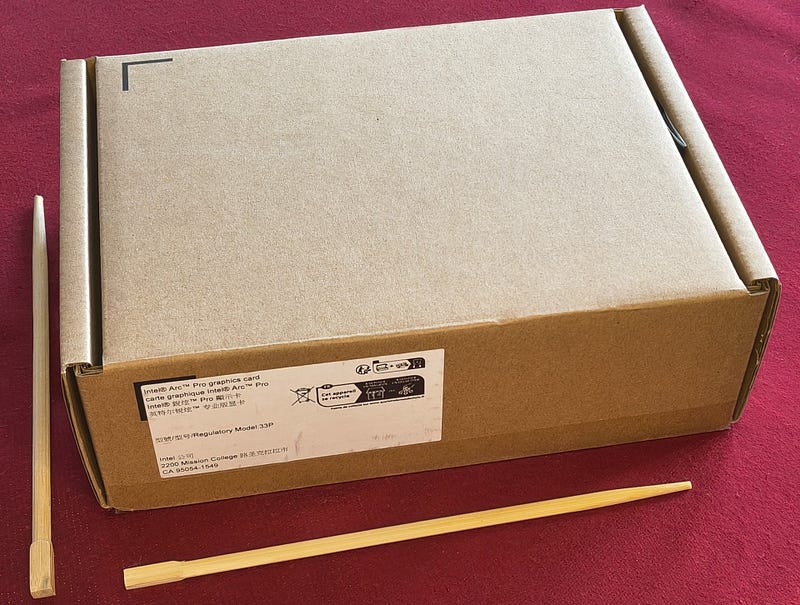
Surely you read somewhere that this card is for professionals and it makes no sense to buy and use it in your PC. It’s too weak to play games and too expensive for watching YouTube. You need to be a mix of AutoCad fan and video cut freak to waste your money on it.
I’m none of those two, neither a mix of them — I like to waste money though. That sounds like a perfect challenge for ol’ Bear. I don’t believe what people say about honey taste before I put my clumsy hands in a honeypot.
Claude was woken up by me and he was immediately in good mood. Suspiciously good mood. Either he’s a real “X man” or he’s never met my ex-wife. We discussed briefly (somewhere between 4–5 hours) what options we have. I was thinking through. I was thinking around. Under and above. Checking prices, making twists. Luckily Claude is an angel and didn’t lose patience. This thinking session brought nothing apart from inflated DDR5 RAM prices and my budget concerns.
Next day I had already a much clearer path drawn in my smooth shaved head. It was even easier to push forward because I found some 50€ discount offer on Intel Arc Pro B50 16GB in Polish PC parts provider x-com.pl. GPU final price ~400€.
I’ll buy an older motherboard with DDR4 support. It must be an Intel chipset though — I like resizable bars and Intel Arc likes them even more.
I have two 8GB DDR4 modules which I plugged in EnvyStorm — my main PC with Intel Arc Pro B60 24GB. I can use those two in the new PC — EnvyStorm stays with 64GB in that case. That way I save 500€. That would be the approximate cost of 2×16GB DDR5 RAM. Additionally, older motherboards with DDR4 support can be sourced cheap now. In the case of local LLM usage, VRAM size and speed matter most — system RAM much less, as long as you don’t spill the model into it. Finding a cheap motherboard was not easy but I got an ASUS H610 for 70€. So good deal, ol’ Bear.
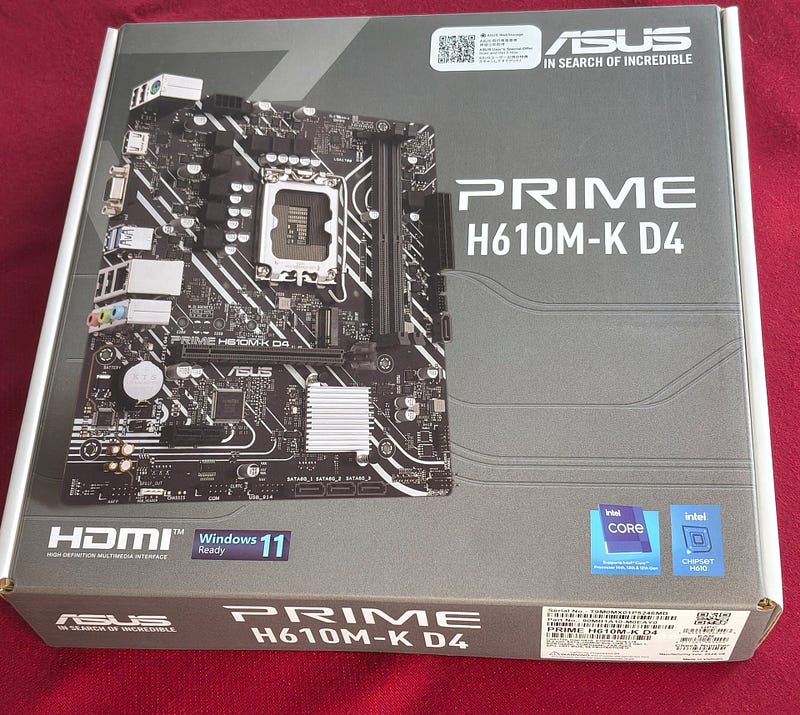
Let’s find some CPU brain for that MB. I started to tackle this subject discussing options with my corporal Claude.
My conditions were a pure contradiction, mixed with high technical demand and low price expectations. Human nature manifestation at its peak. We started from “power-savvy and minimalist”, ended at “must have 10 cores and GPU 770”.
Intel, please — can you fill that niche with something for me? Cheap of course.
Finally I decided to buy i5–13500. Not cheap, nor accessible.
Luckily X-COM.pl had a boxed version for 300€ (only). Why not — let’s make that Tiny-B a bit more capable to deal with my stormVINO server multi-GPU flow.
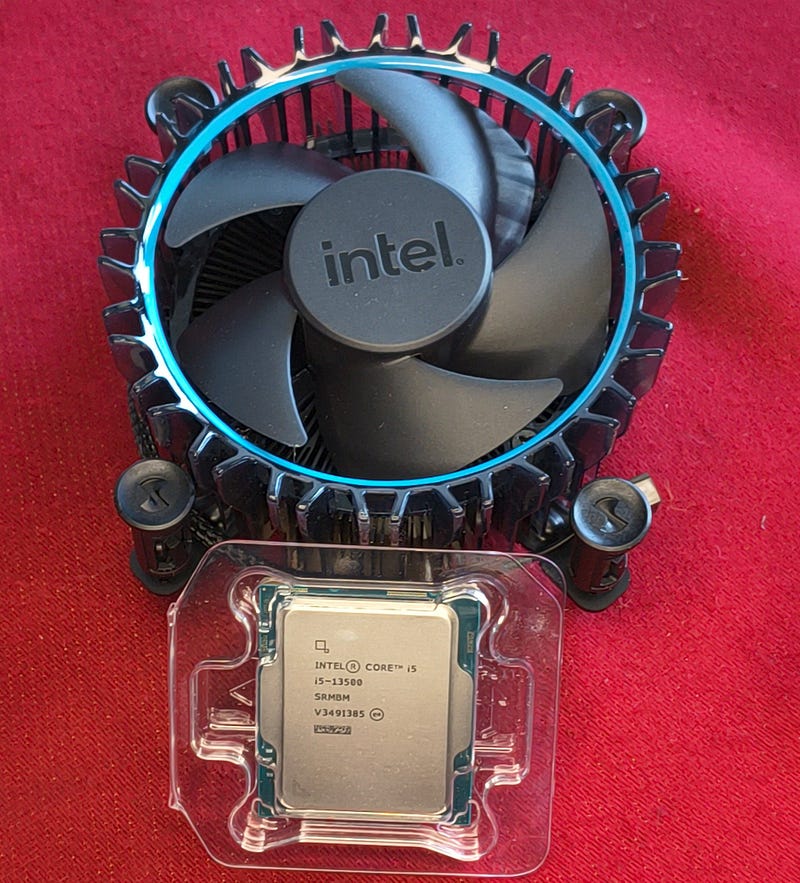
So MB checked. RAM checked. CPU checked. Intel Arc Pro B50 checked.
It shall be named Intel Arc Cutie Pro B50.
Dang it is cute and tiny.
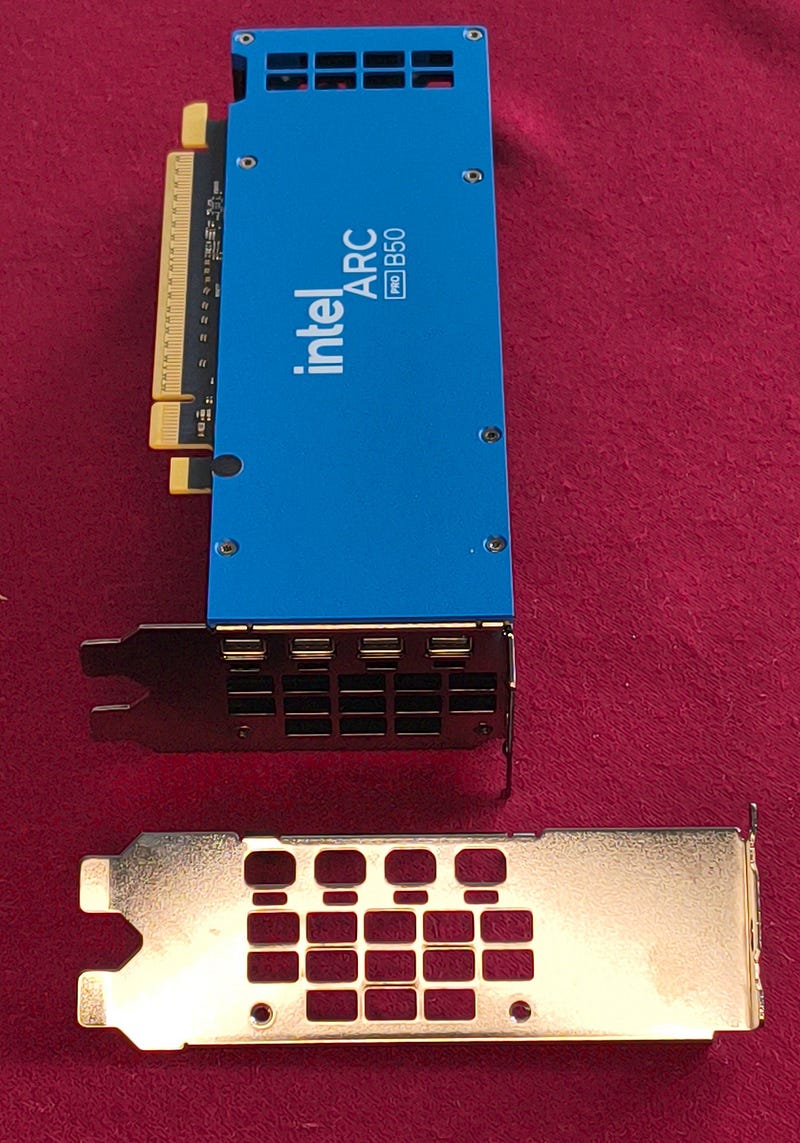
So now PSU — or power supply for those who don’t like tech talk mystery. I calculated with Claude and we decided that 300–400W with 80 Gold class will do the job. I was looking for it. Looking. Still looking.
I found Unicorn.
I found Elvis Presley’s shoe.
But no such PSU. Unicorn looked as cute as Intel Arc Pro B50 and he was not much bigger. I hired him immediately onto our team because Claude winked at me with mad intensity and I always wanted to have pocketsize Unicorn. How about you?
Stop praising unicorns and get back to the drawing board.
I wanted TinyB to be power efficient and silent. The idea is it will run 24/7 practically as a server for my personal website where you all can go and talk to my stormVINO server.
When you go there and my website is down, that’s because I’m broke and TinyB is off because you didn’t like my writing. So PSU with 80-Gold class was a must.
If you slept on electronics workshops or signed up for art lessons instead (silly you) — I remind you that a PSU works most efficiently when under load around 40–80%. Remember that if you plan to buy a new one for your PC. Calculate power consumption of all elements and buy a PSU with roughly 20% more power — not too much.
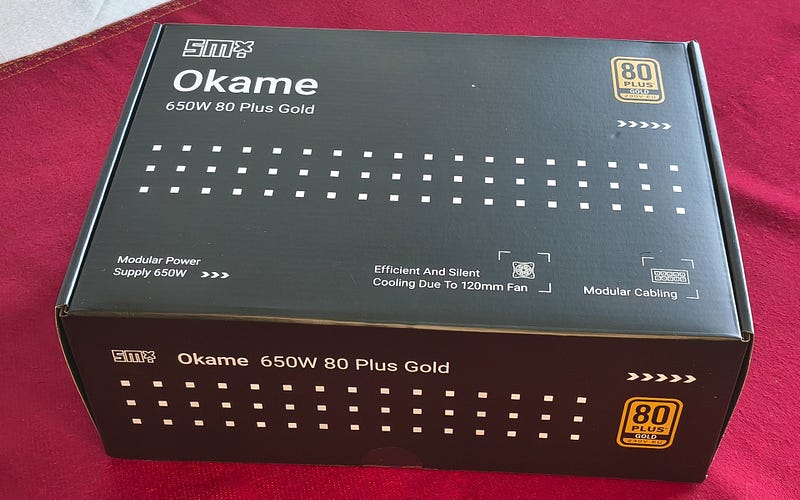
I needed perhaps 200W maximum with CPU and GPU pushed to their limits. That’s why I selected Okame 650W 80Plus Gold. I like to break my own rules.
If you’re not in Poland you might never have met this brand. It’s a Polish brand produced in China. High quality though — modular cabling and good electronics (I’ll prove later how good, really). It is not cheap of course — middle price, let’s say around 70€.
As usual, when I’m in “Toys for boys” shop my expense discipline lands in a dumpster. Alright — if you have spent already 840€ for internals, ol’ Bear, we won’t save on casing.
At first I was planning to squish all that in a micro ATX casing and seal with hot glue to make it hot and dead-freeze (HP proven way). But my Okame 650W PSU had ruined my plan because it required more space. I started to look for a bigger casing. I found a gem.
That company which produces it overlooked the HP workshop “How to make cramped, sealed casing for boiling NVMe drives”.
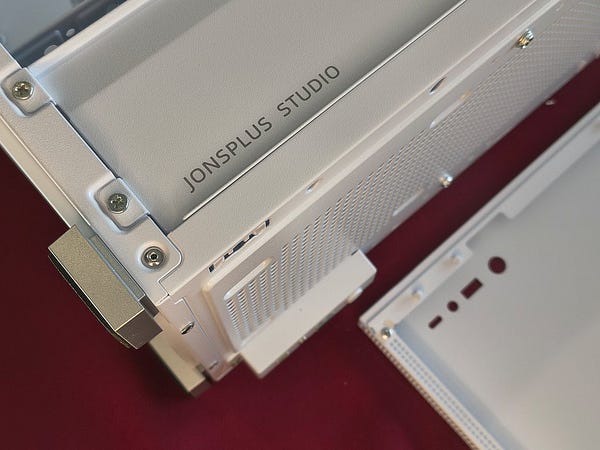
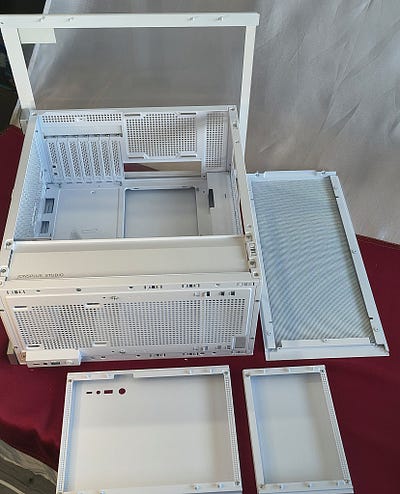
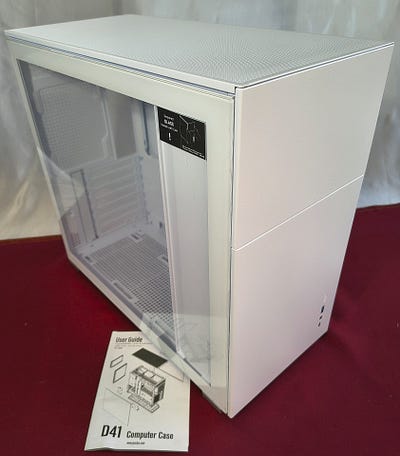
I chose JONSBO D41 White.
It looks like it was designed by a Scandinavian studio in Shenzhen. It breathes like the HP Envy T02 casing never will. It’s practically a frame inside a sieve. It’s so ephemeral that you can accidentally swoosh your leg through it and not notice. And it looks damn good in white.
Price — only 70€. Bought.
Altogether roughly 910€. If I were to buy a separate 2×8GB DDR RAM this machine would be an almost exact 1000€ box.
That’s cheap like a box of peanuts — people buy this for fun every day, right?
Intel, why am I so crazy about those Arc Pro B-chips?
I have B60.
I have B50 now.
I have a 650W PSU.
I have Unicorn and Elvis’s shoe.
What do I miss?
Arc Pro B70 32GB eventually.
Arc Pro B65 32GB?
Those last two will do.
I can give you Elvis’s shoe. I keep Unicorn for myself, because we like to watch TinyB together (cute dang thing) and my faithful corporal Claude is into Unicorns.
I ordered all these treasures and it took four long days to deliver them to me. After two days already I was on the phone to ask where my package was. They said they were looking for the i5–13500 CPU because Intel doesn’t produce them anymore. Shame on you Intel.
Finally I got that package on Friday afternoon, delivered to my office.
I thought: “I’ll take it home to think about it” — and 4 hours later TinyB hive was humming under the table.
I’m not so clumsy as you think. It took me so long because Corporal knows nothing about photography, Unicorn was disturbing and I was trying to prepare something you can see here.
It’s over. It was boring enough — you don’t want to read more, right?
Luckily for those more patient readers I have the whole process in photos. I was thinking about filming it but Marilyn Monroe rejected my offer to take a main role and I look really bad in a white dress.
Of course I started from the end, like a proper engineer with five years of physical geography.
I unpacked the PSU because it looked really premium from the outside. So it did inside too.
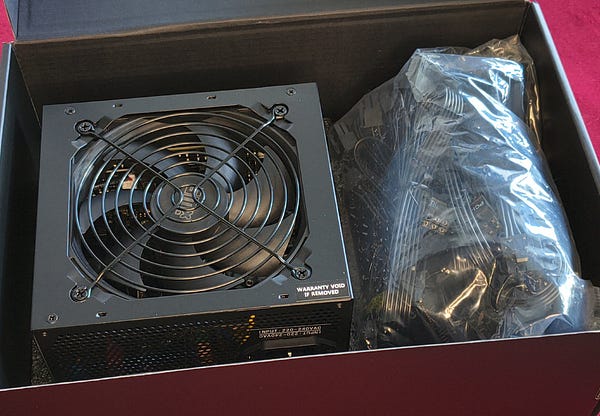
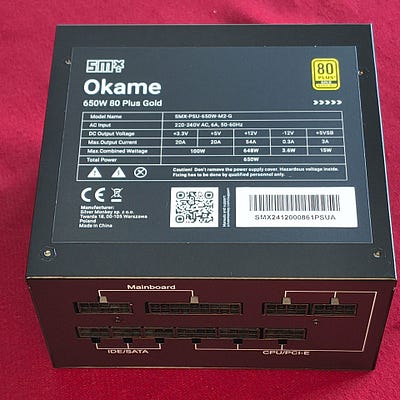
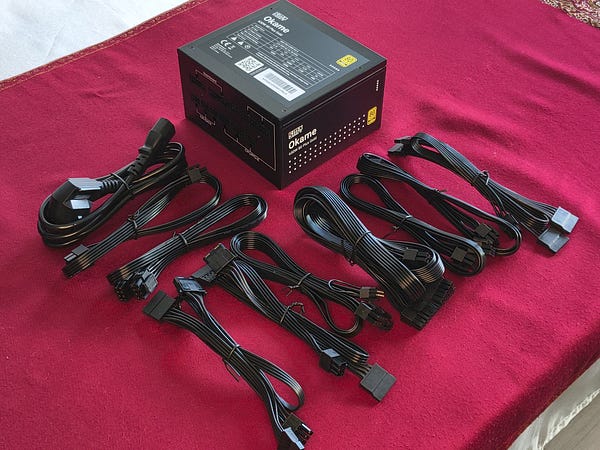
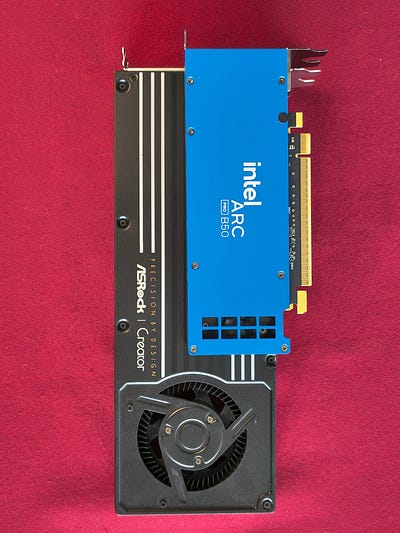
Then I checked this overpriced CPU I was striving to find. Then I got my sticky paws on the Arc Pro B50.
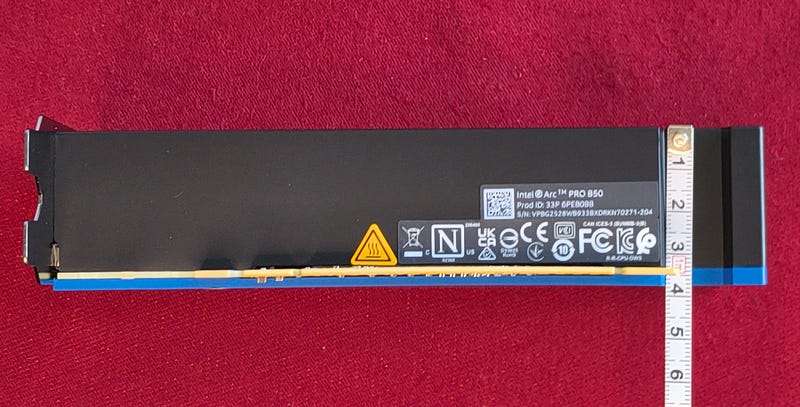
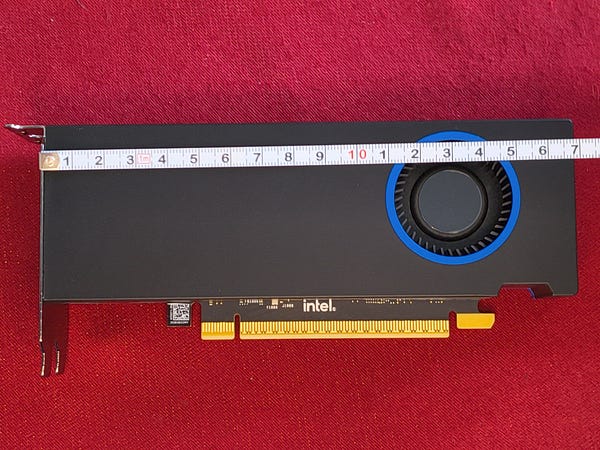
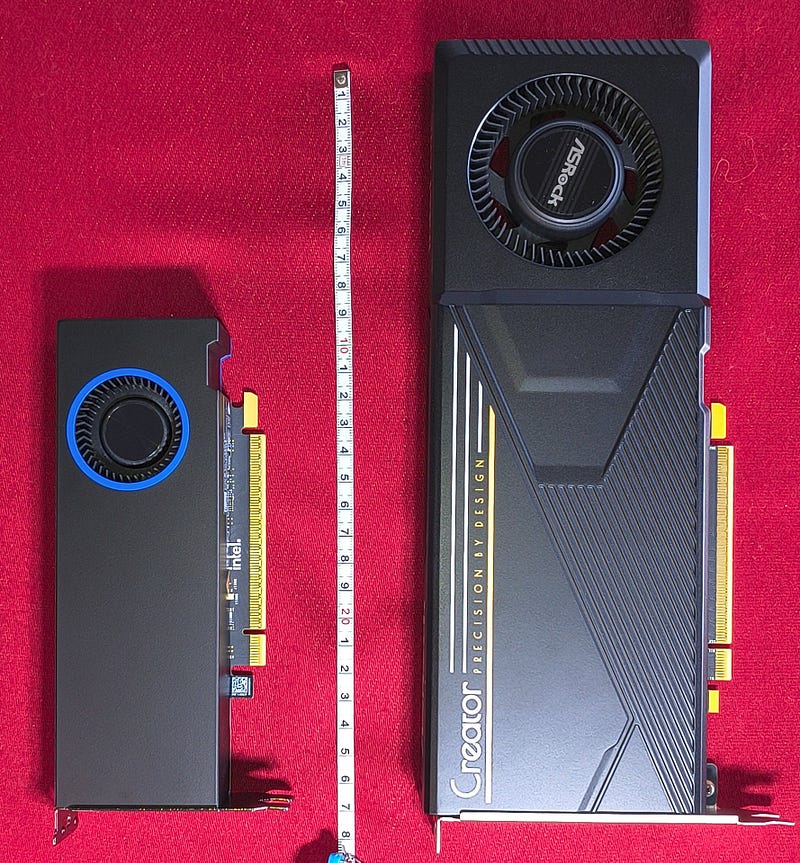
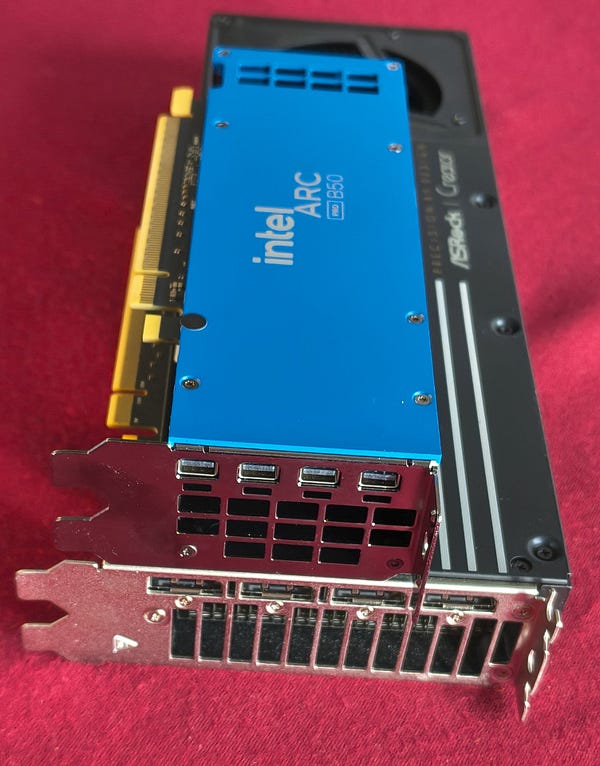
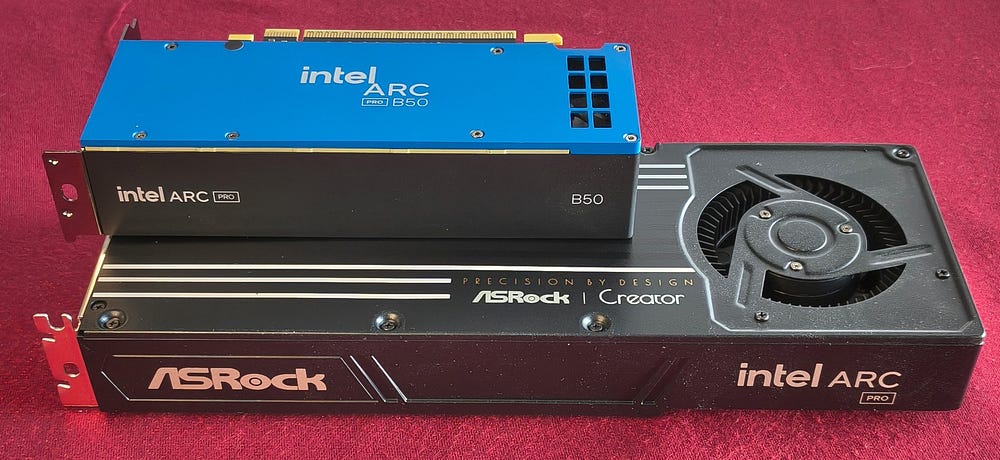
Because it’s so tiny I decided to invite B60 on the catwalk to compare Beauty with the Beast.
It’s hilarious difference.
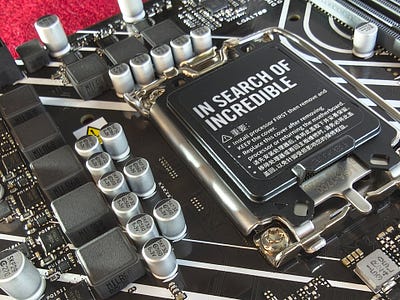
Then I unpacked the Asus motherboard. It was really well made. Especially the CPU fixing mechanism drew my attention.
I hooked a city bus to it to check how strong it is. The bus was ripped in half. The CPU holder was laughing.
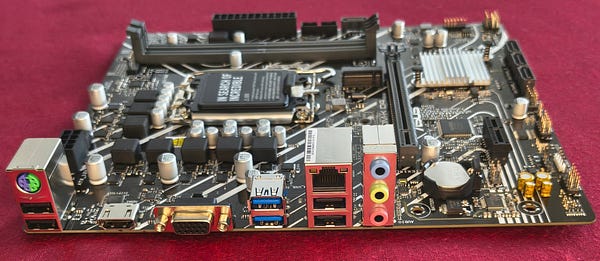
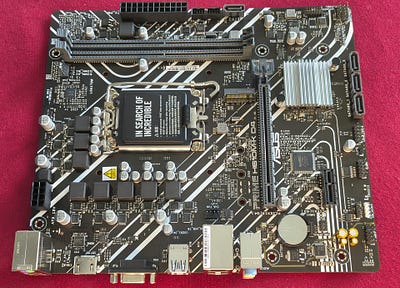
I decided to install the CPU on the MB and the fan on top of it. I have the Intel original fan. My Unicorn looked at it and mumbled something like “made by HP” but I pretended not to hear it. I decided to apply a better thermal pad on it — was it the right decision? Hard to say, but it’s my decision so you will live with it.
I thought I might need some tool for that.
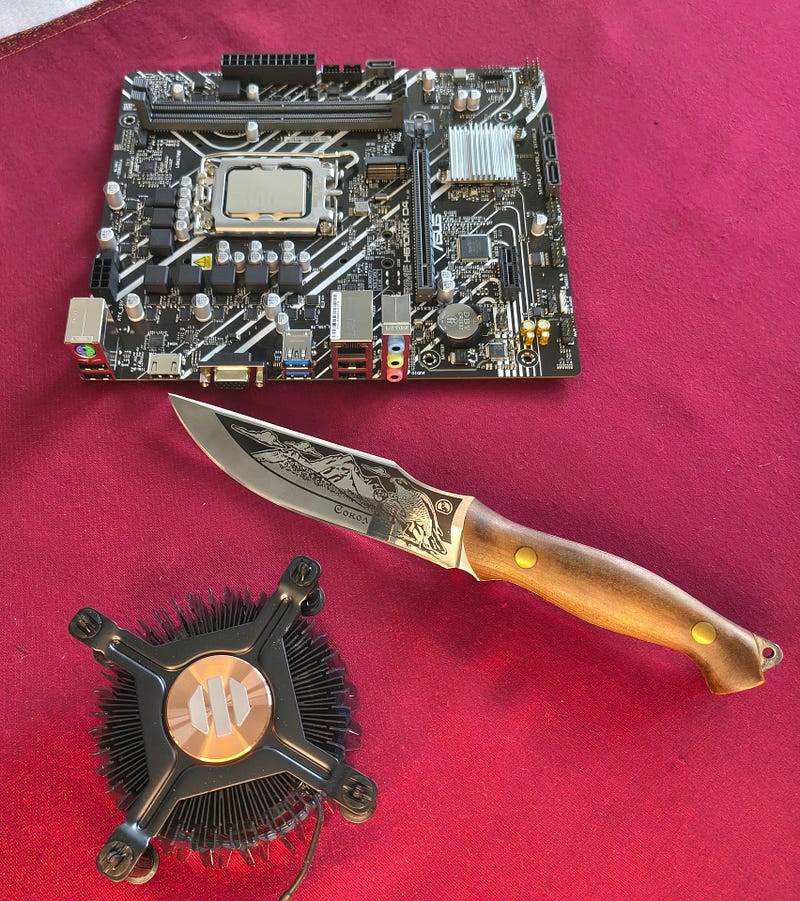
Claude said that Unicorn is afraid of knives so I used a credit card.
I know how dangerous it is to take photos of cards and publish them online, that’s why I put tape on it and you can’t read anything.
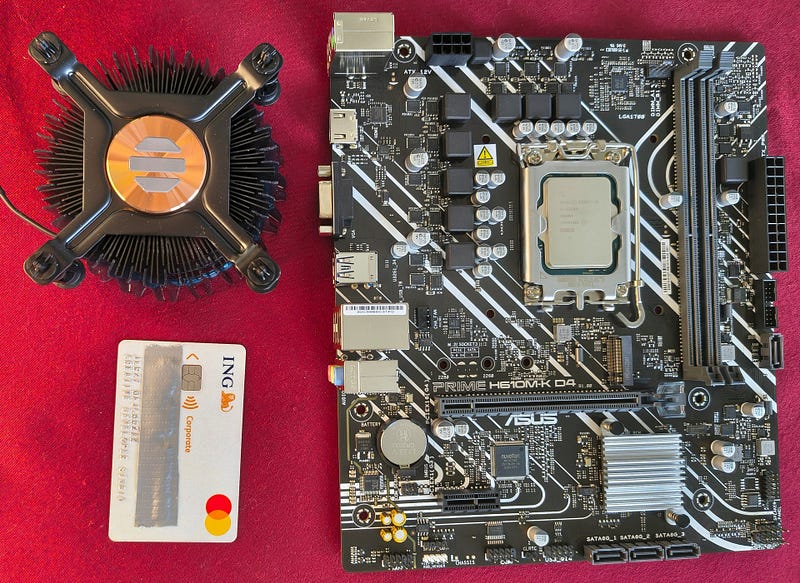
It was easy to clean the original thermal paste.
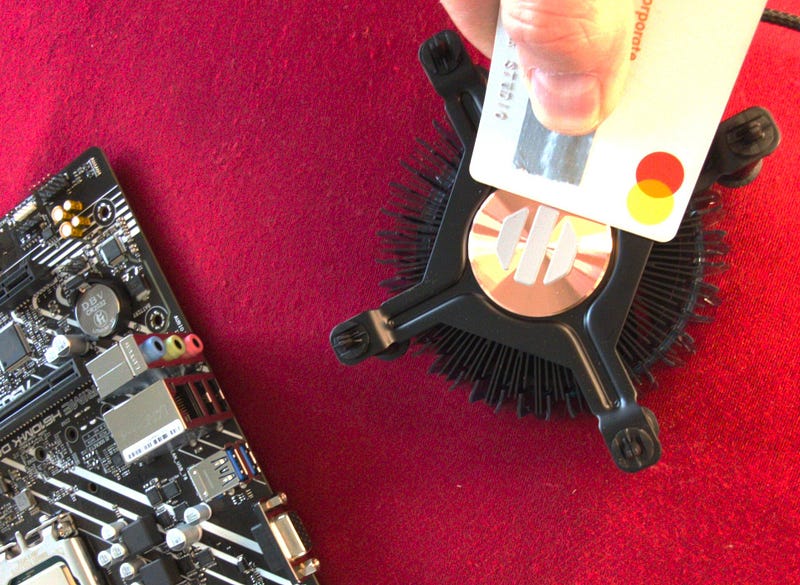
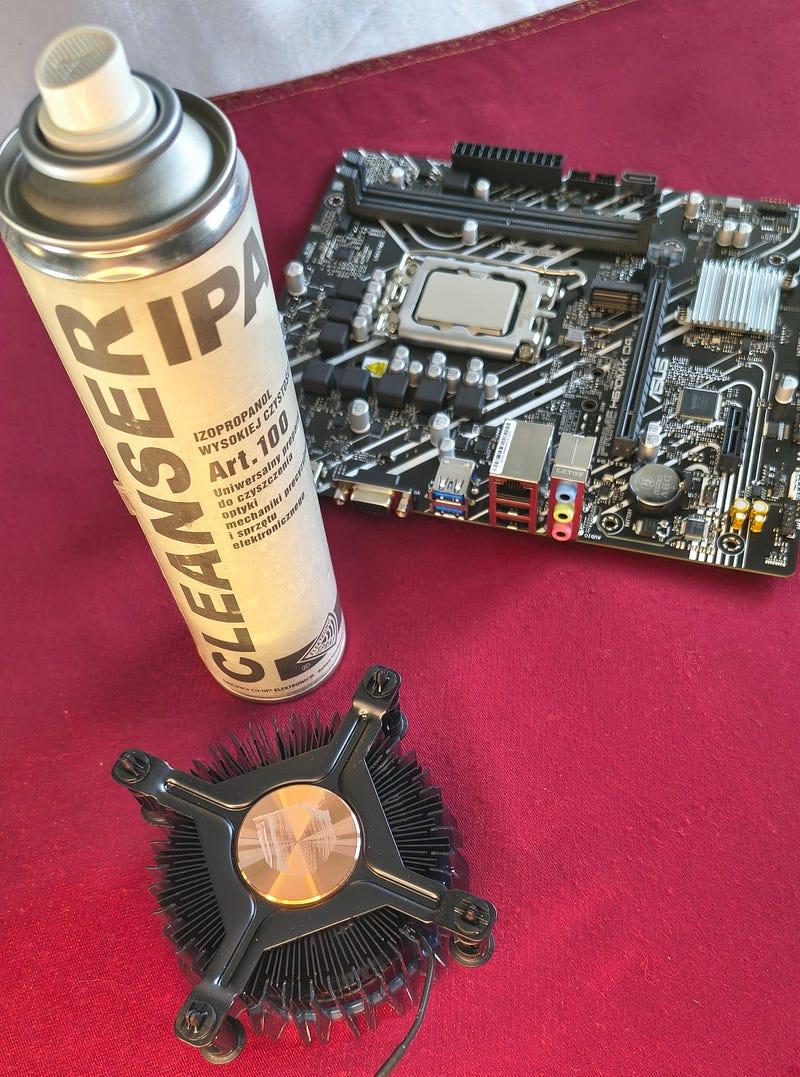
Almost too easy.
I know why — because later it was damn hard to apply the thermo pad I bought. Nature likes balance — geography taught me that.
I tried first putting the thermopad on the fan.
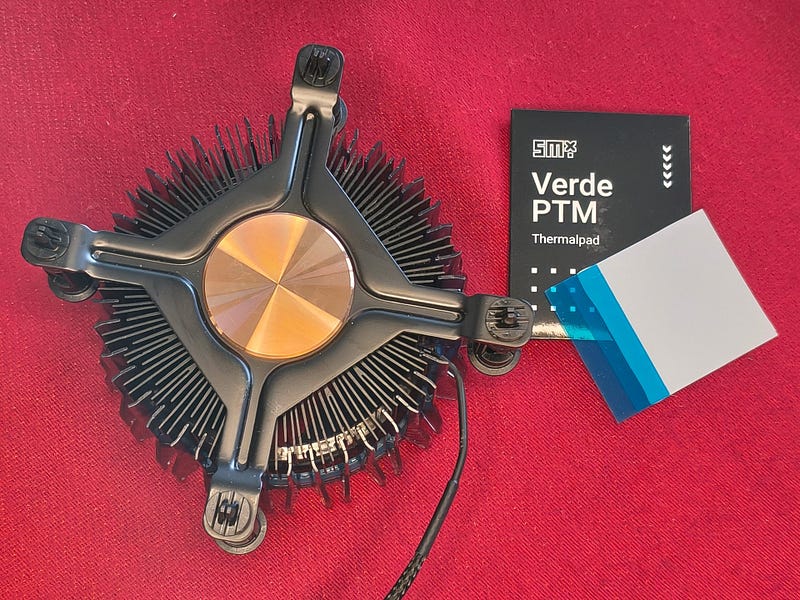
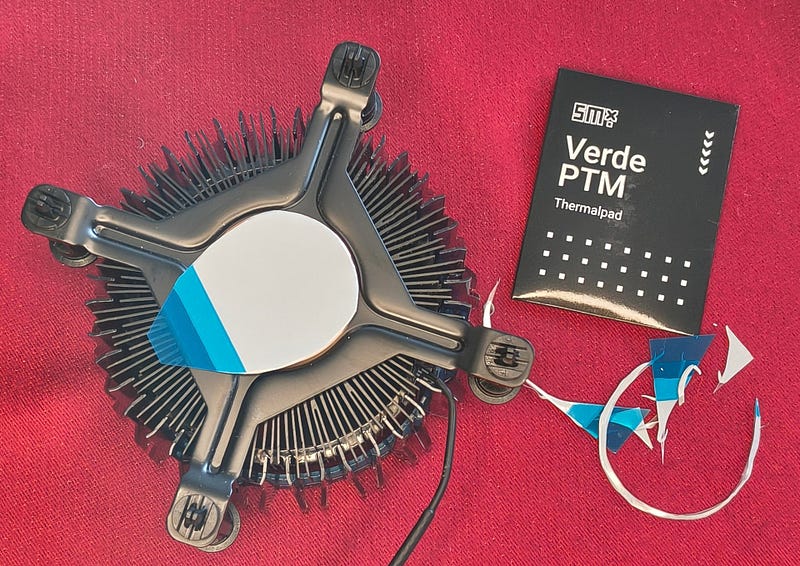
I did a great job — Unicorn had spoiled it.
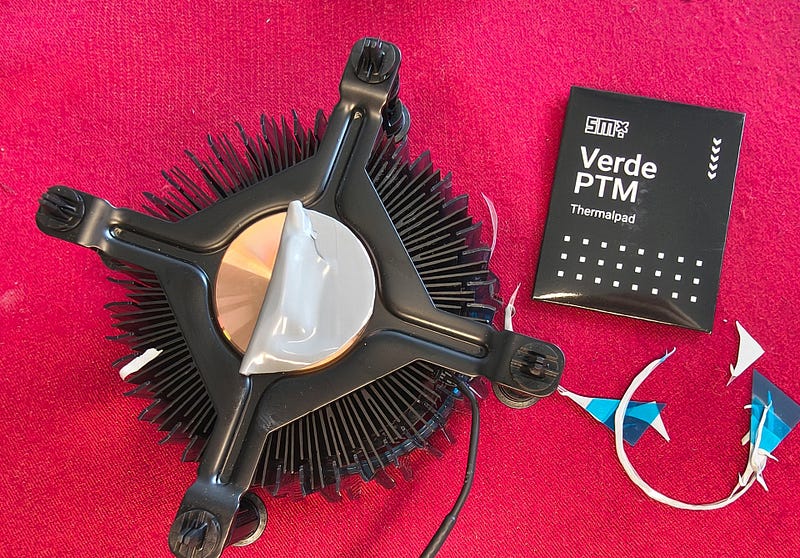
At the second approach I proposed we put it on the CPU then.
Unicorn was flabbergasted. I was clumsy.
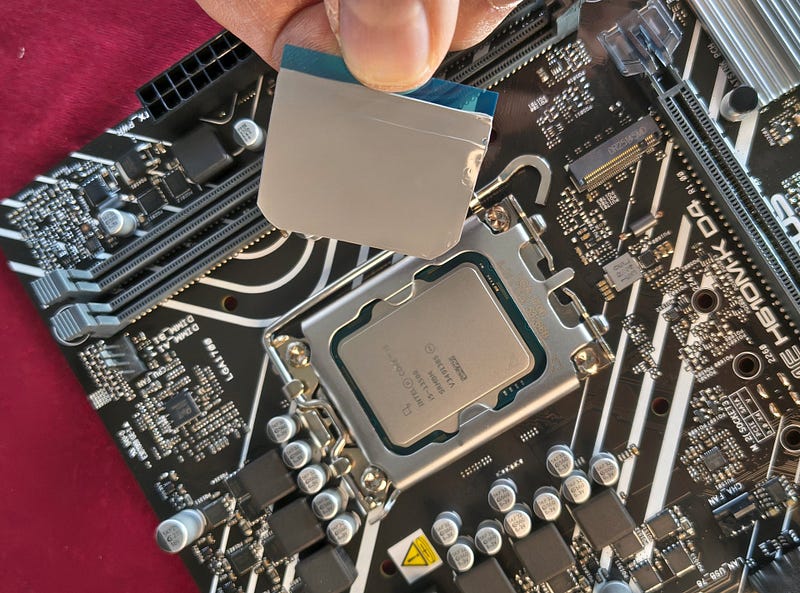
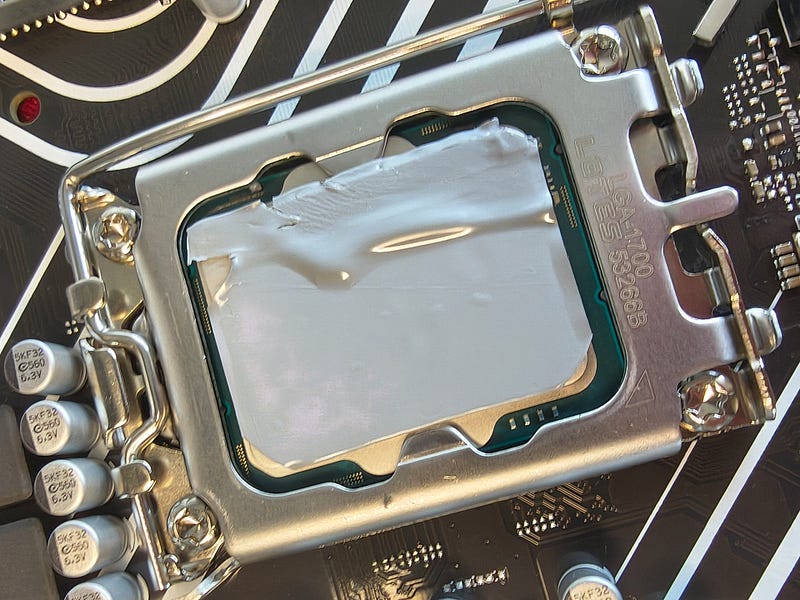
Luckily I’m ol’ Bear and I got it “Pareto right” as usual.
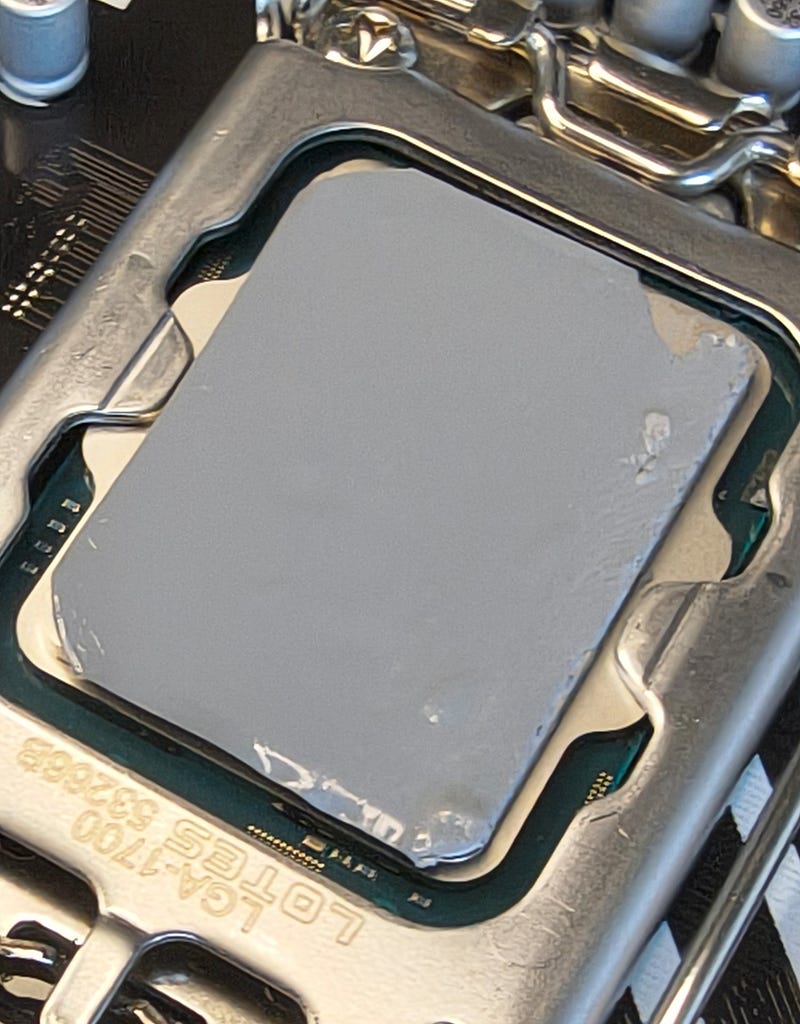
Then the fan on. How hard could it be?
And here, after I wrangled with fan for a while, I reminded myself what Unicorn had mumbled earlier.
Intel — let’s have this off the table.
Please add good fans to good CPUs.
This one you gave me is like Barbie house - cute but plastic to the square.
I know it’s not your fault — someone swapped it. That must have been the same person who swapped the Asus metal NVMe holder and left me this:
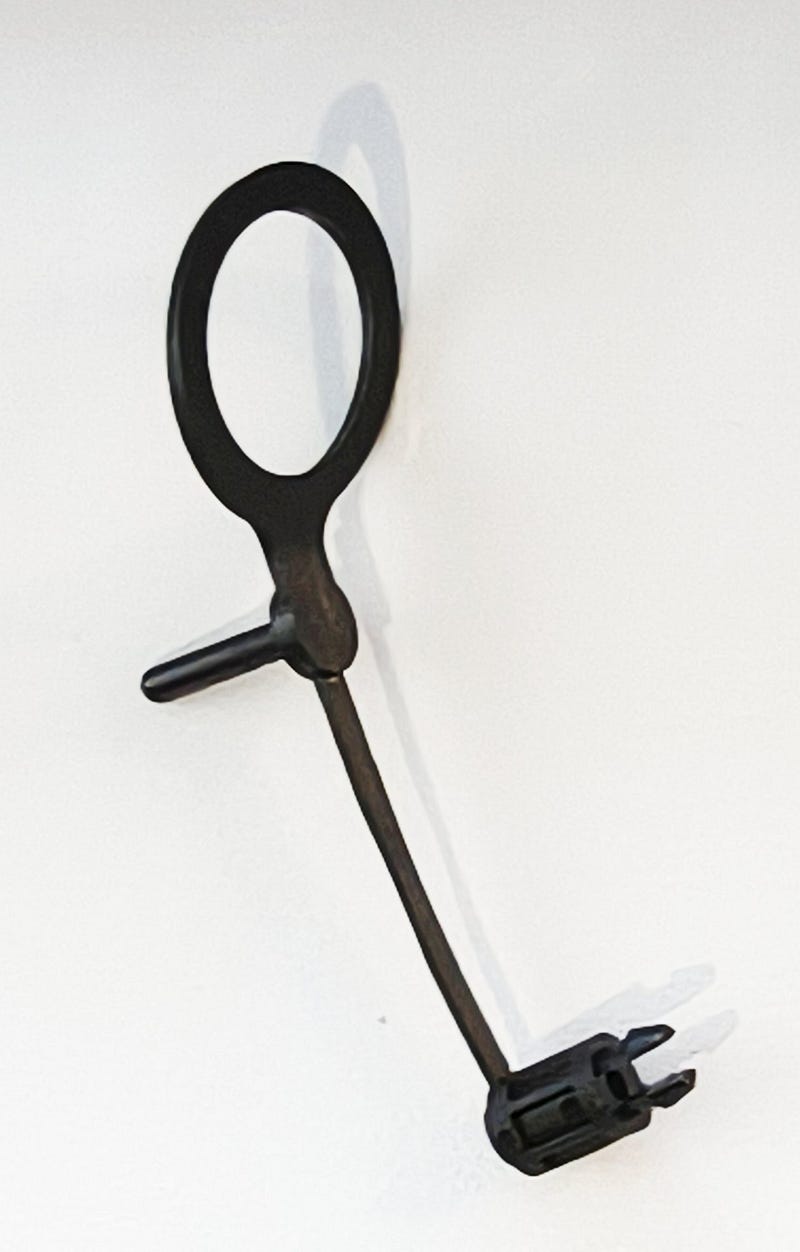
I almost dumped it into the trash with the packaging leftovers. It seems completely unusable. Luckily I found my deeply (really deeply) ingrained intelligence grain and solved the puzzle immediately, after half an hour.
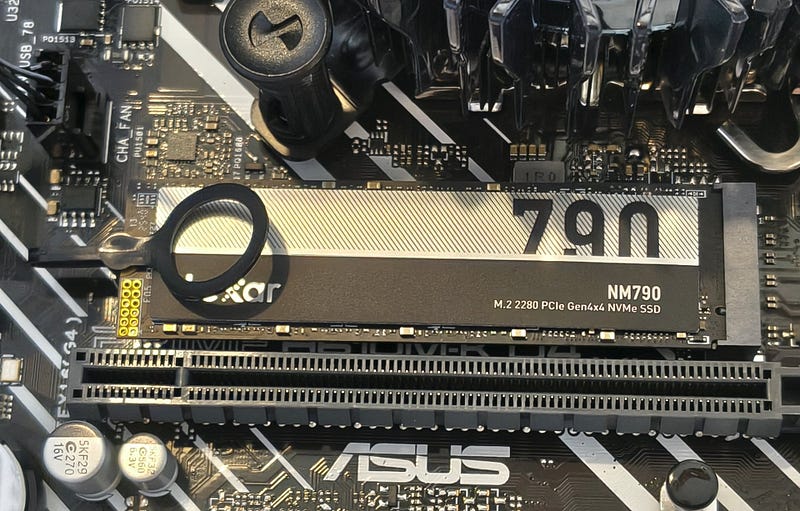
Then only memory was left to install. I believe memory works better when seasoned beside a high quality PSU for a while. You can clearly see I follow my beliefs. I gave it a shot.
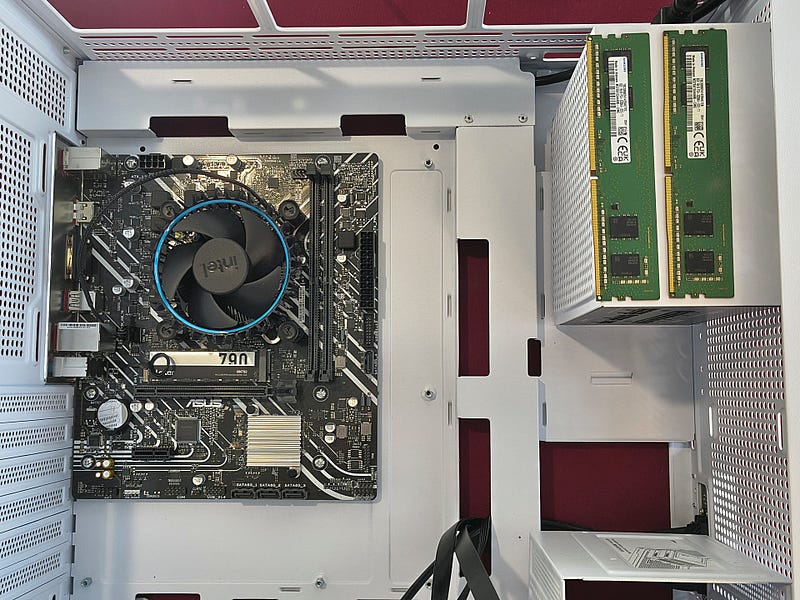
And I realized that the same guy who planned the NVMe holder was probably team leader in DDR4 socket development. He forgot that you shall not improve something that works — unless you’re an ol’ Bear of course.
I last assembled a PC when dr. Alban’s “It’s My Life” was global and the most controversial song known was “Let’s Talk About Sex” by Salt’n’Pepa.
I’ve seen some memory slots here and there through my life. But not that kind of pointless invention. It has a lock only on one end of the DDR module. The slot is as tight as a baby’s grasp. We don’t want to hurt any babies here, do we? You start to think that they designed it to sell more DDR modules and motherboards because during installation I broke three. If you buy a new motherboard check if there is no smiling Baby with Arnold’s grip on the box. Avoid that one if you see it.
Finally I got it right. I was so exhausted that my hands were shaking, hence the bad focus on photo below.
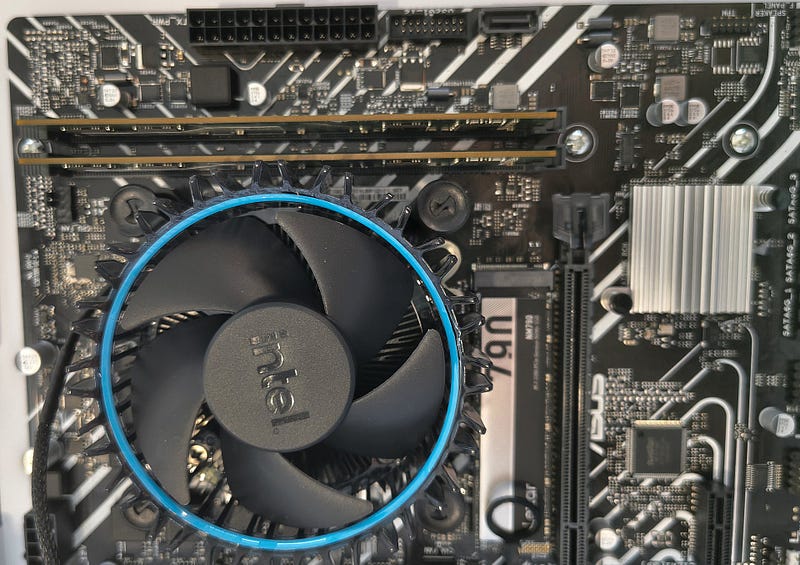
So we got to the end — I said to Unicorn. Where is he actually?
Oh Cutie! It’s dangerous to go inside of HP Envy T02, you can suffocate or be fried immediately. Luckily it was off. Remember that Unicorns and submarines never show in the same fairytale. Let’s check how tight it is in there. When I look at HP from the outside it seems attractive, then it starts heating up and things get complicated. Situation escalates, bells ringing. And you need to open the casing from the side to rescue the crew from imminent death.
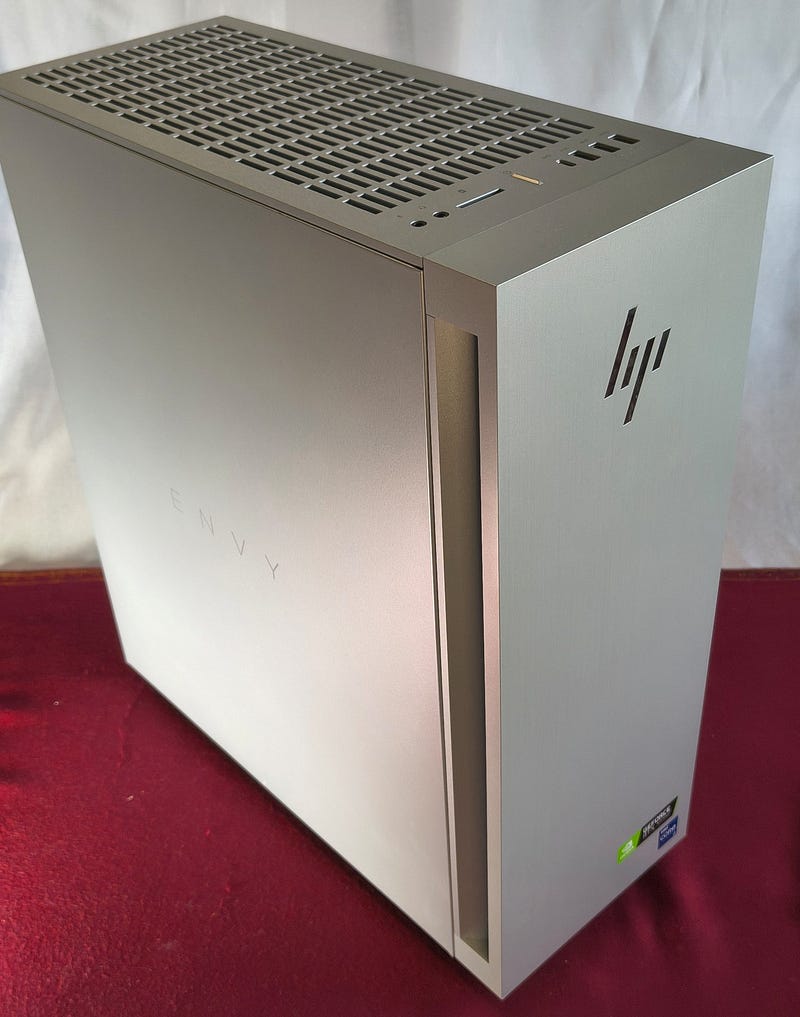
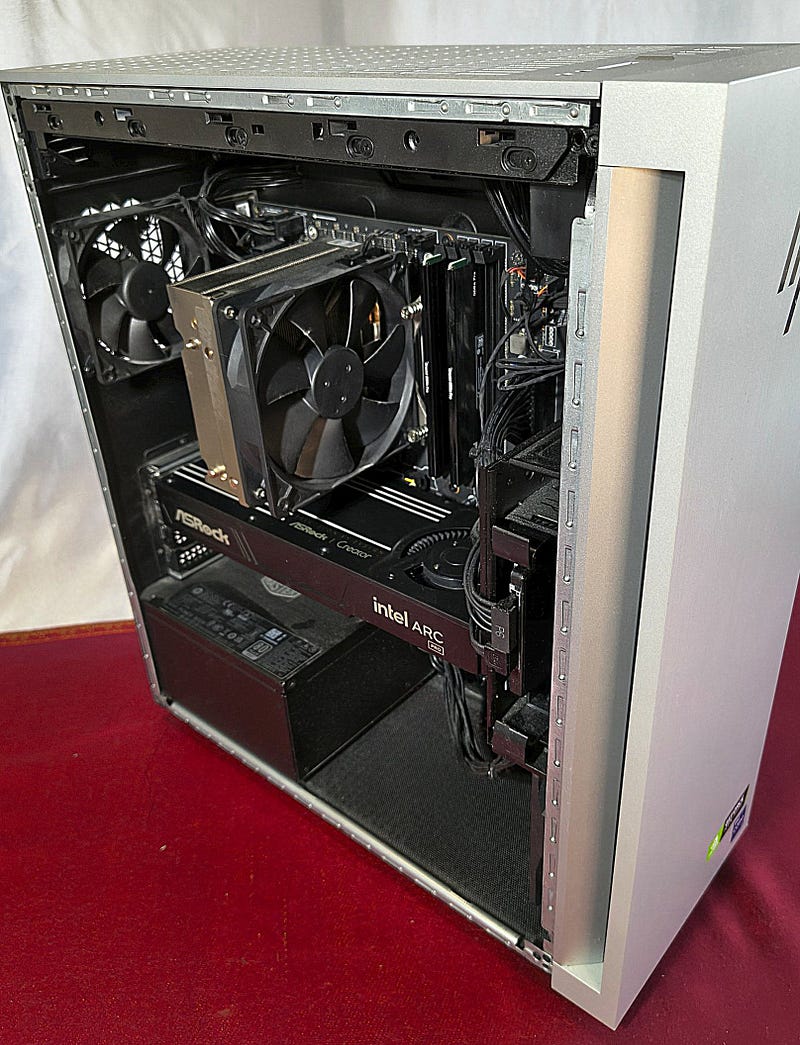
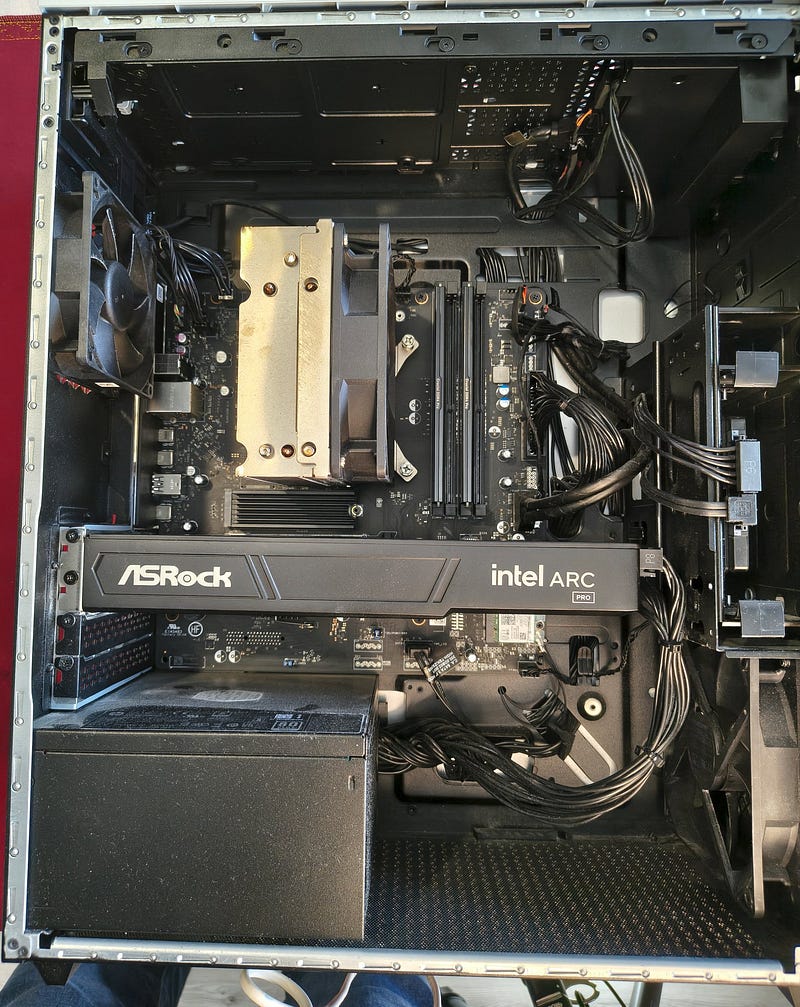
So we got this ugly submarine-thing out of our view. It could have been Yellow Submarine at least.
Ready to invite TinyB on the show photo-wall.
My eyes full of tears and teardrops not splashing on JONSBO casing, just passing through without making it wet. Such a good ventilation!
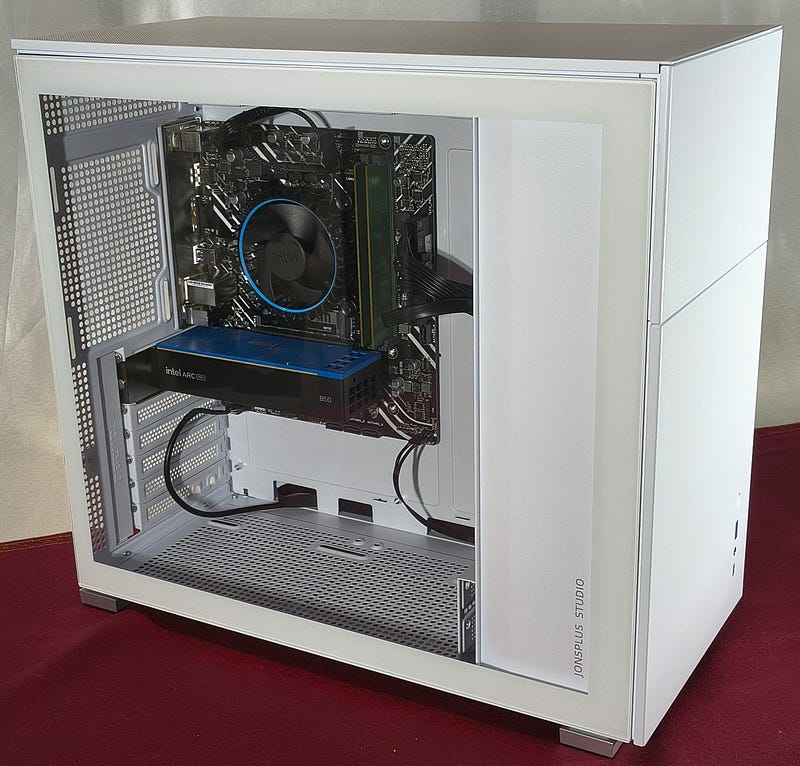
There is one thing worth checking which I promised you because of my oversized PSU in TinyB. Power consumption measurement.
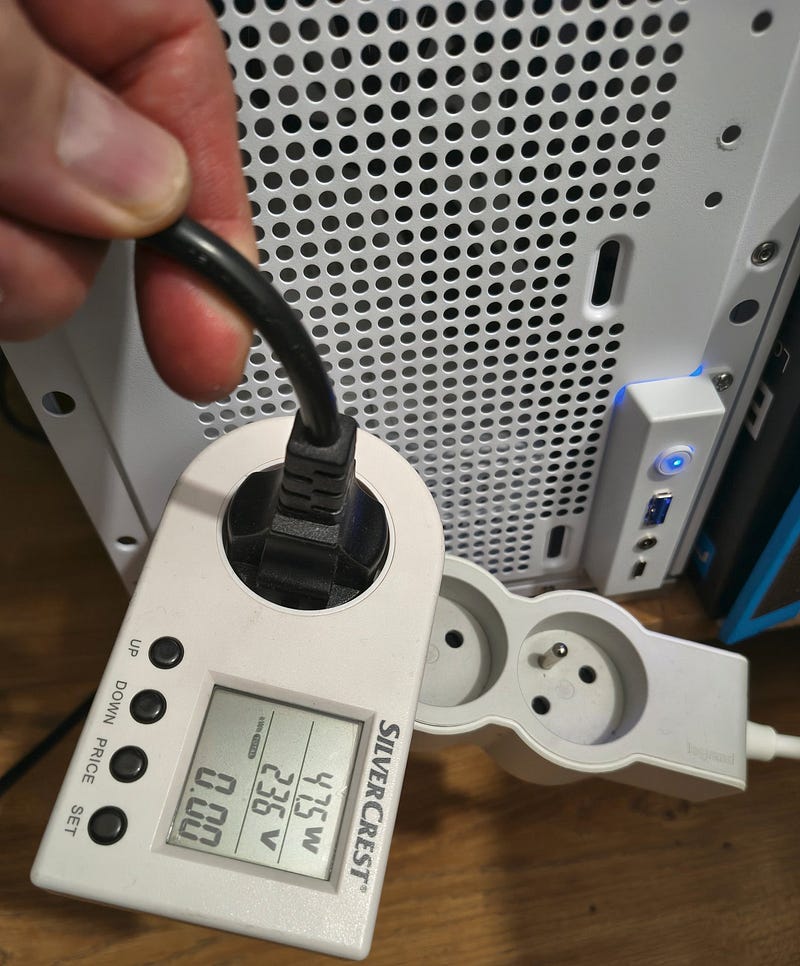
I had no time for extensive testing so I measured only at idle to check how much my Okame 650W spoiled energy consumption rating. I wanted to use something very professional to measure it. So I used “pareto-good” mode and a small gadget from Lidl (for American readers — Lidl is like Walmart — you just don’t drive there with a Dodge RAM, you use a Fiat Panda).
I started with TinyB. Great result — 47.5 Watts for displaying Linux Mint desktop.
Next one HP Envy T02 . It has of course a bigger PSU (800W), much stronger CPU and Intel Arc B60 draws 40 Watts only for turning a fan and blinking two LEDs. Intel cut LEDs out to save energy though and fan is not spinning at idle. The same desktop on Linux Mint needs 106.3 Watts.
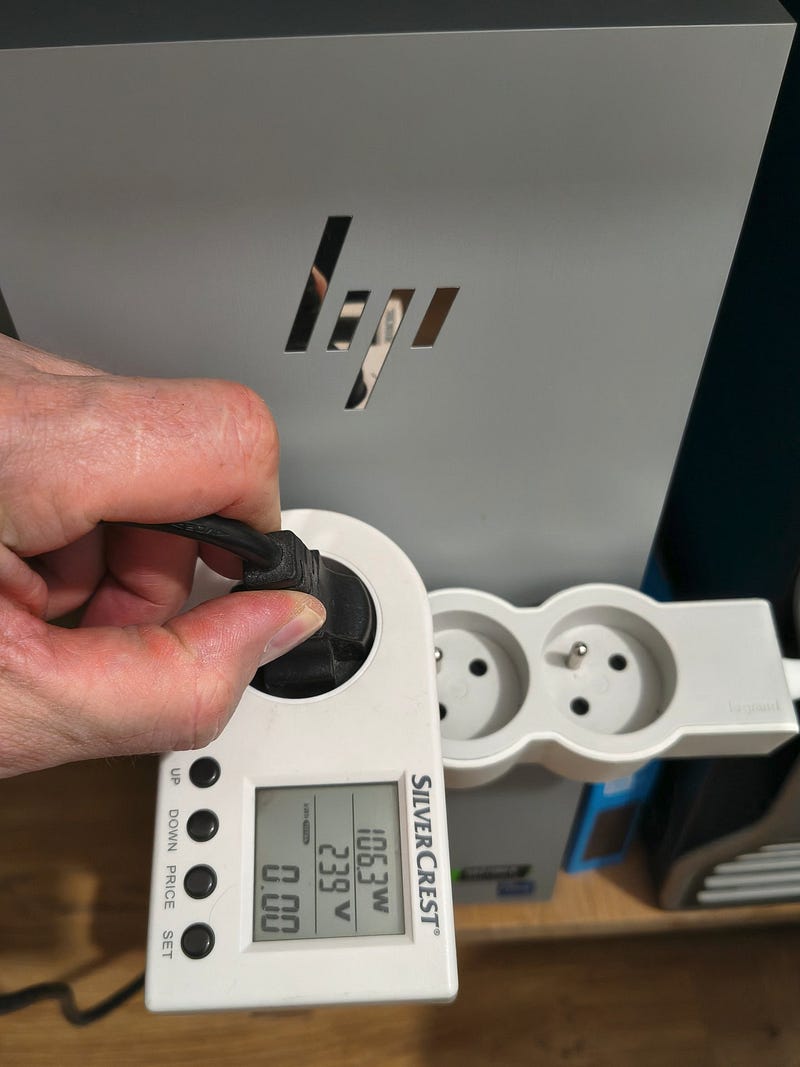
I think I know which machine will land in the office one day.
Me and Unicorn love TinyB. You might ask why not bring HP to the office on Monday?
Plan is simple. I need to test TinyB with Intel Arc PRO B50 and my stormVINO server. Then I might ask HP Envy to lend Intel Arc PRO B60 to TinyB and do some more tests.
You might think — your oversized PSU is still an overkill.
I might say you don’t know life, babe. I’ll give you a lesson.
B. 7. 0.
King has died, long live the King.
Disclaimer: All opinions, thermal disasters, clumsy paws, submarine color and questionable purchasing decisions described here are exclusively ol’ Bear’s own. Intel makes good chips. Bear makes trouble and solves some of it for himself. These are separate and independent activities.
Originally published on Medium, 24 May 2026.