Hyperfocus Bear: The CutieB is born.
The Star was too late but older Brother never fails
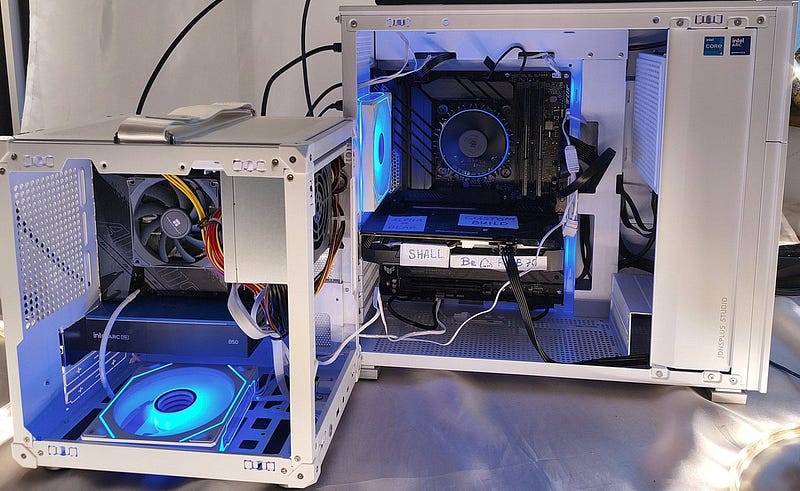
They say if it ain’t broke, don’t fix it. I never believed that rule.
It’s boring and predictable, gives no space to break something and learn how to repair it just right after.
My TinyB PC I built last month was not broken. It was just not tiny enough. I felt the urge to make it really small to make my Intel Arc Pro B50 feel really cozy. How do you do that?
You just buy a small Jonsbo C6 ITX casing, I thought to myself.
I like Jonsbo’s aesthetics, quality, modularity — it just speaks to me.
So I bought that ITX casing even before I checked how hard it is to obtain an ITX motherboard. Call it “honey rush”.
The casing itself is small and cute as you see on entry photo and below. My new build immediately got its deserved name — CutieB.
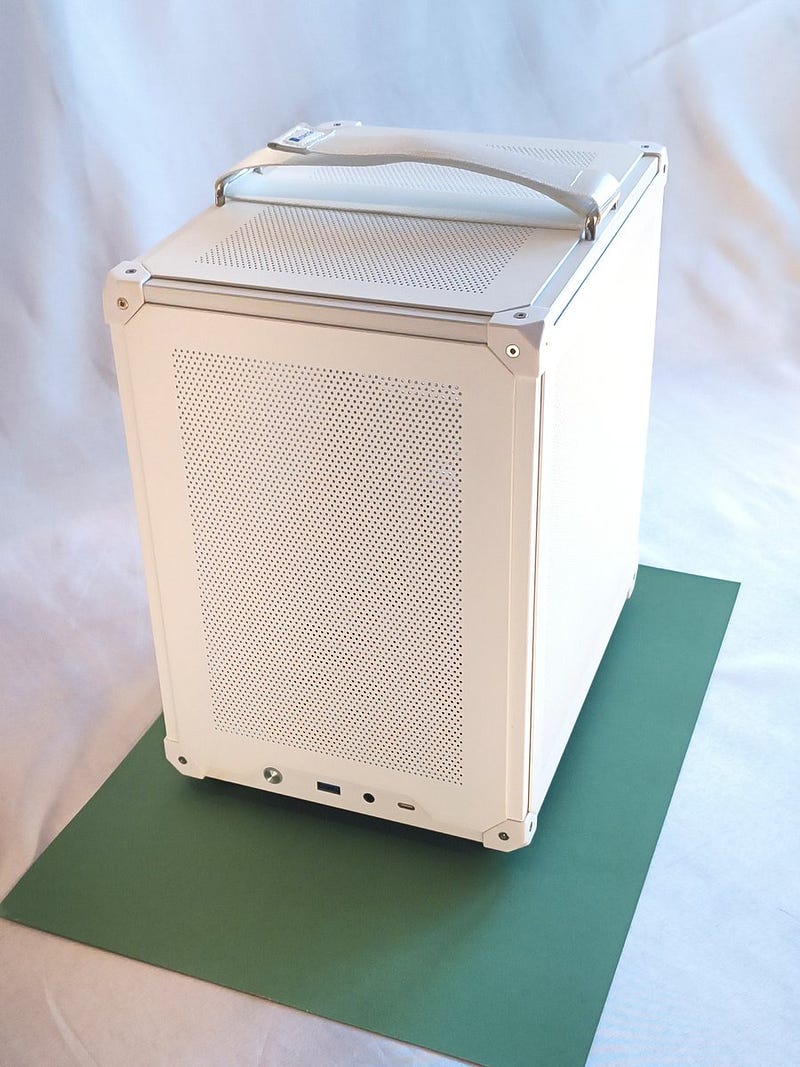
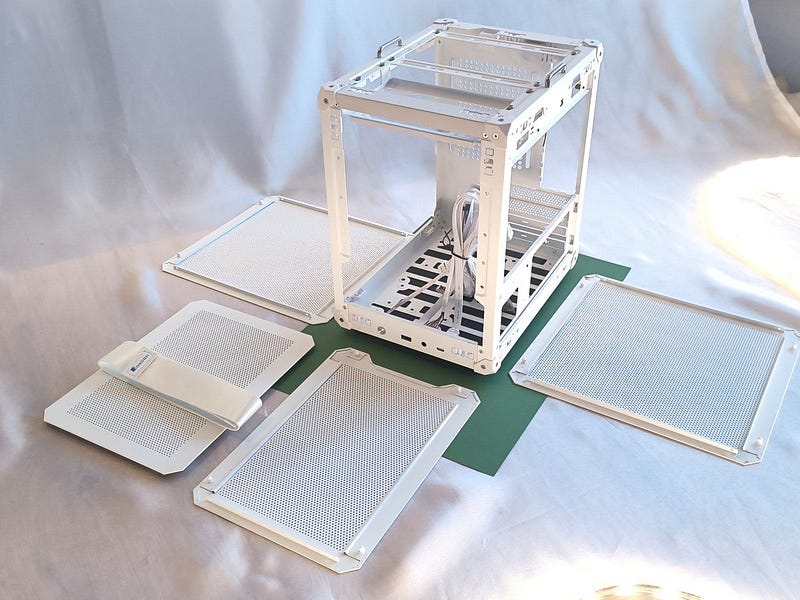
Because I’m still waiting to become a millionaire (playing lottery doesn’t work well), the build of my platform was restricted by budget.
I hate budgets — they never work.
As usual in life, my broken genius is followed by incredible luck, I got used to it already. I found an ITX board, the last piece available in the universe — or I think so.
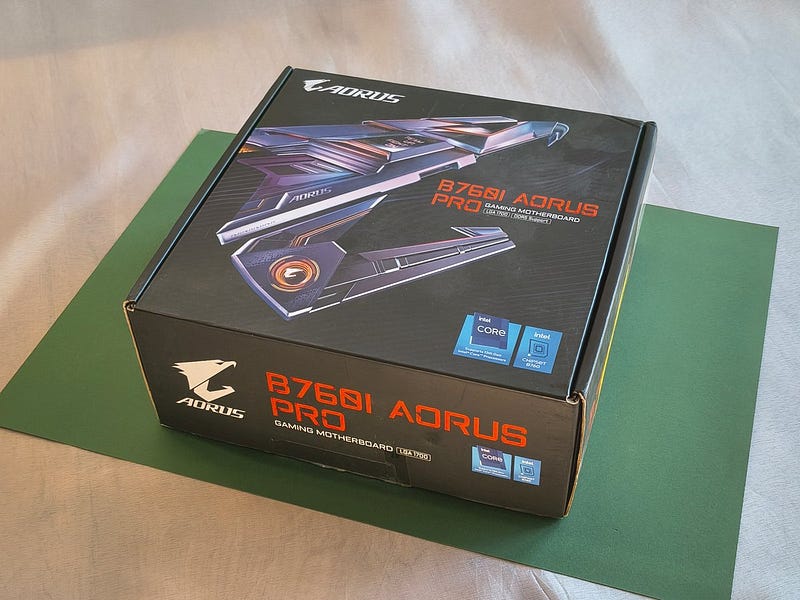
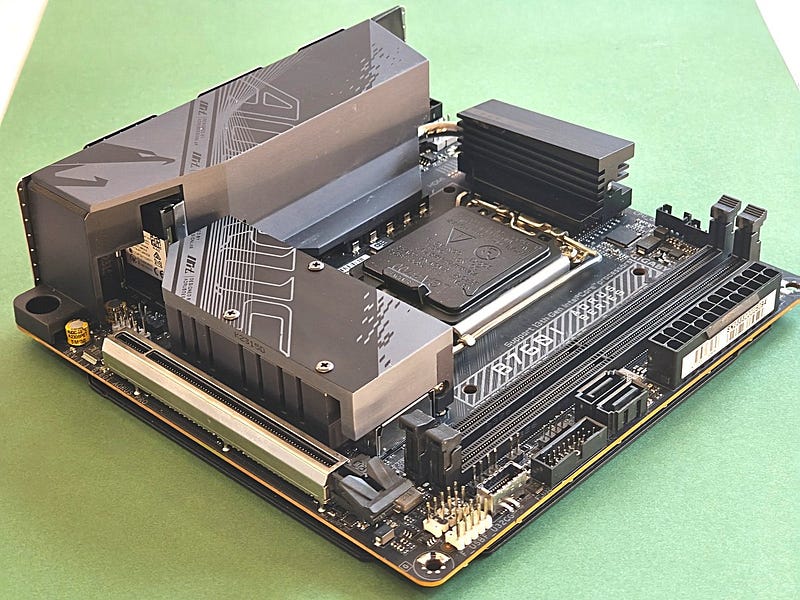
It was the Gigabyte B760I AORUS PRO, a beautiful piece of electronics, but it requires DDR5 RAM. So I decided to “go-scroogy” and buy only single DDR5 16GB RAM module.
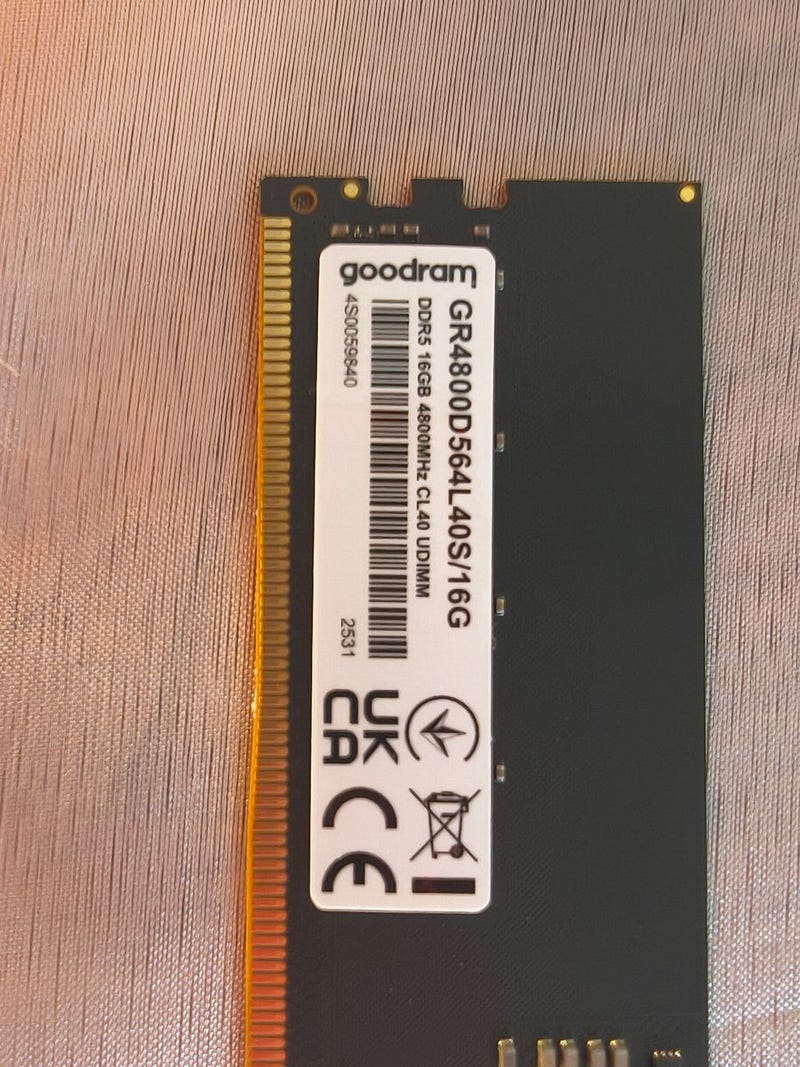
Single-channel operation plays no significant role here; the Intel Arc Pro B50 won’t spill over into system RAM by design.
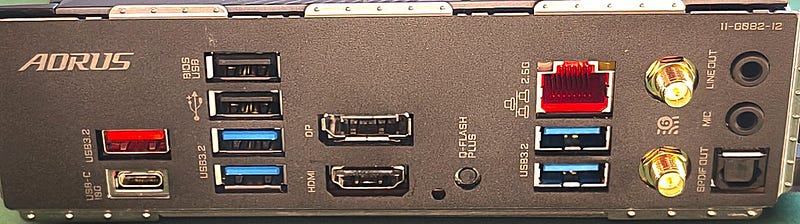
This build also required a capable but not oversized CPU.
I love Intel CPUs they have all what I need - you can always find an adequate size for your use case.
This PC is mainly for local LLM inference on Intel Arc Pro B50 at that point so I decided to buy the i3–14100 with 4 cores, 8 threads (hyperthreading) and UHD730 iGPU unit. Remember that the i3–14100F version has no iGPU — just in case you think you can be smart and save something here (I told you — budgets rarely work).
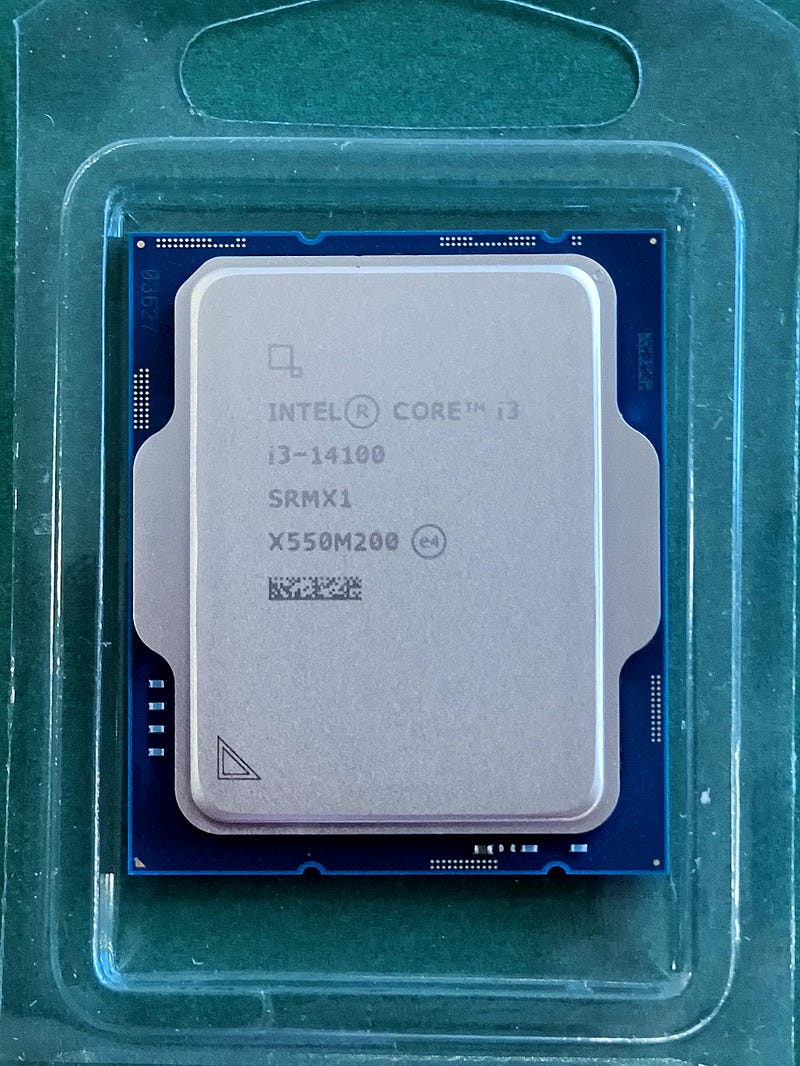
After having a not-so-splendid experience with mounting Intel box fan at the last build (I have some thoughts in another article), I decided to buy this CPU as an OEM version without a fan.
The fan choice conditions were obvious and strict:
- the fixing mechanism must withstand rhinoceros courtship.
- Some heat dissipation will be needed too — rhinos in action can get intense.
So I got the Thermalright AXP90-X47.
I know, that name fits one of Elon Musk’s children well. I like the “Thermalright” part the most. I tested it. It allows to dissipate effectively 130W.
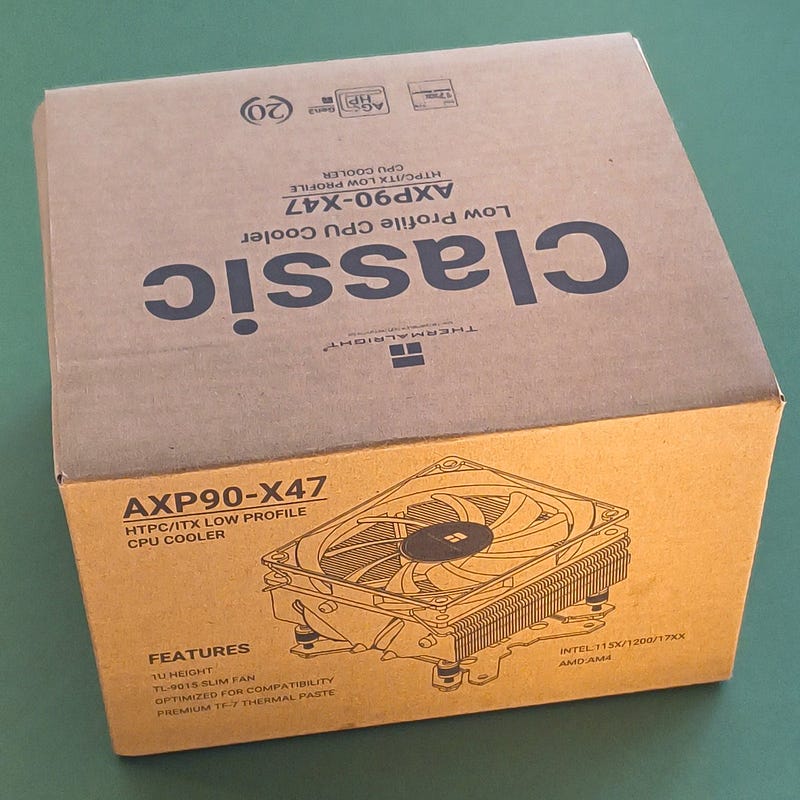
There is one important thing you shall not forget in your PC build, unless you like to jog while working to provide energy for all those elements.
Buy the right PSU.
In such a small build (ITX), your PSU shall be rather small, unless you want a small, cramped, hot PC. In that case, don’t bother with a custom build; you can buy an HP Envy TE-02 instead — it’s not the smallest, but nothing overheats better than that one.
I went for the Seasonic SSP-300SFX Active PFC F3 300W unit. Apparently Elon was nearby when they named it.
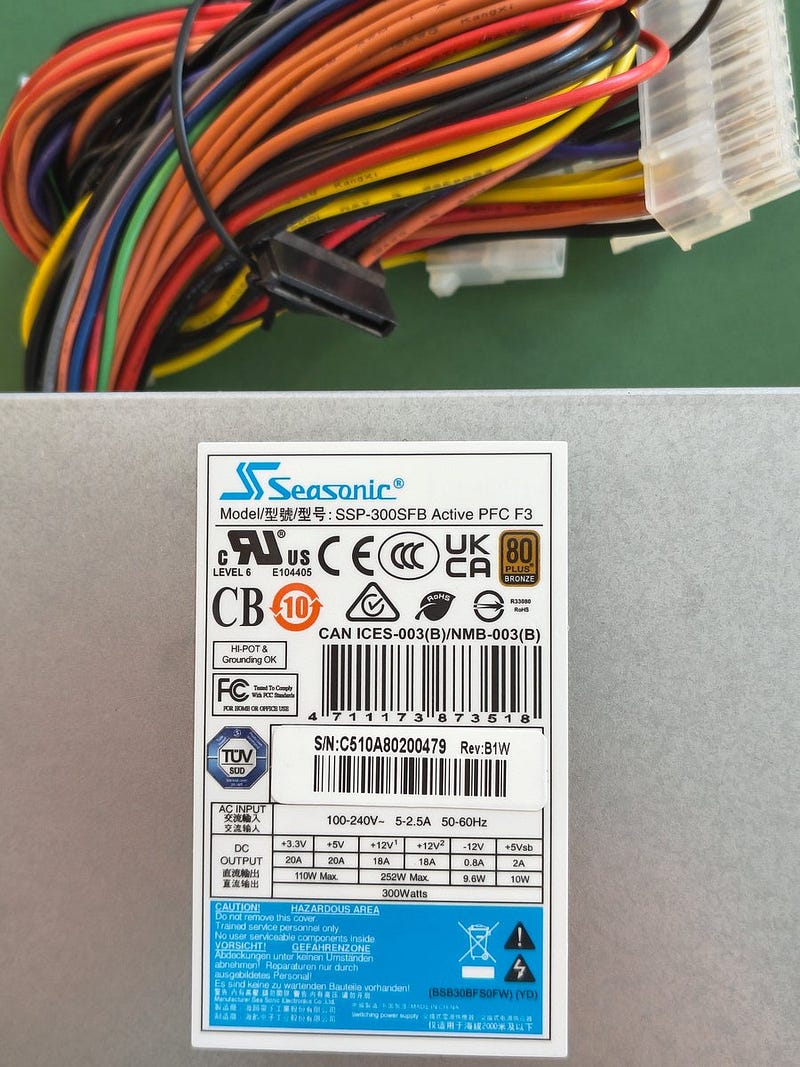
You can’t find a boxed version of that PSU, you need to live with OEM, but at least the additional mounting bracket was delivered in the set.
This PSU is not 80+ Gold standard, but in fact it works as good as one — I measured it, it consumes at standby half of this what Okame 650W +80 Gold needs. You can see the size difference when placed alongside a standard 500W ATX unit.
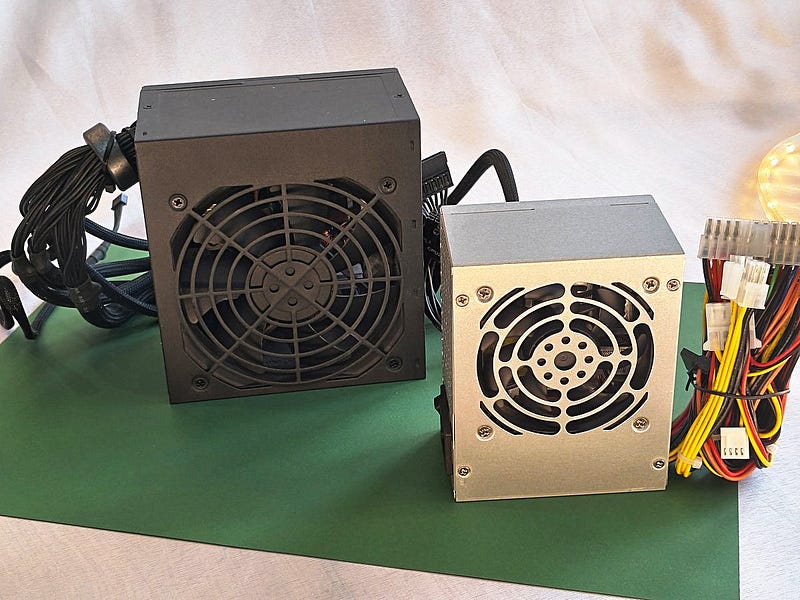
Having all those elements piled up, I started to assemble this little unit.
PSU mounting was the first step. Check, measure, check a second time, reassure. As they say — measure twice, cut once. Sometimes I even use that advice.
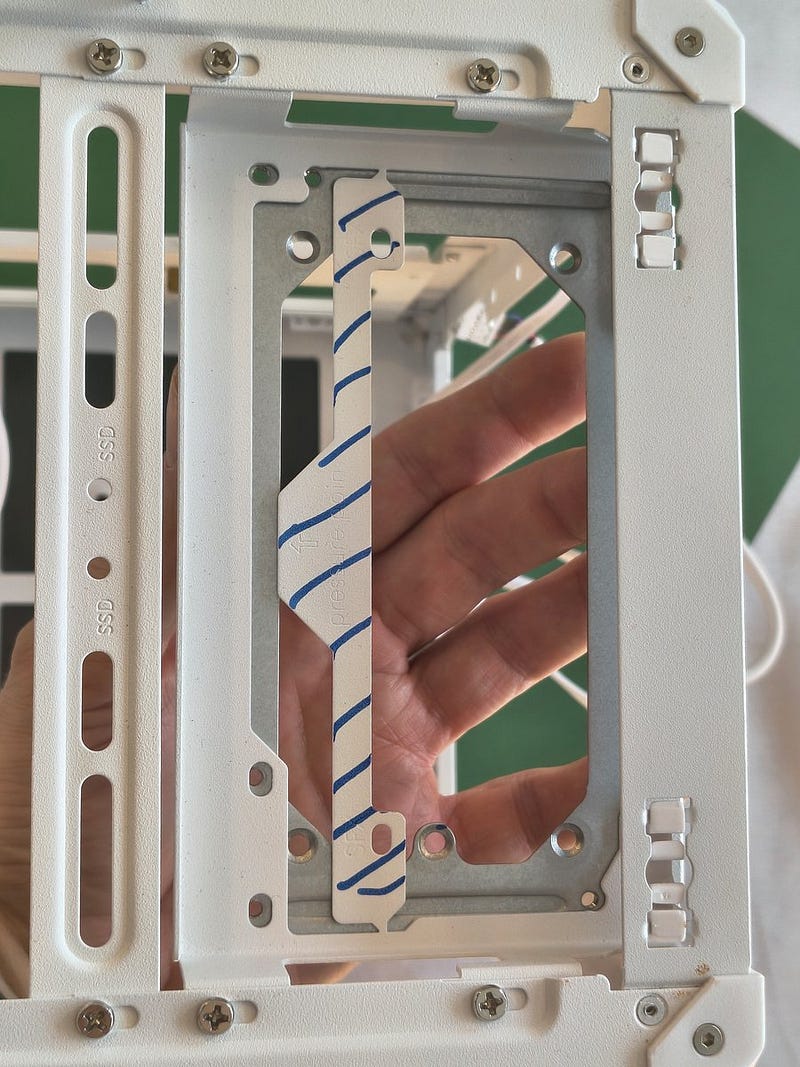
I needed to remove one metal strip and fix the PSU adapter bracket on the casing frame. Everything fits well.
Then fixing the PSU to the adapter — I chose that way because it’s harder, obviously. Bear never chooses the simple path.
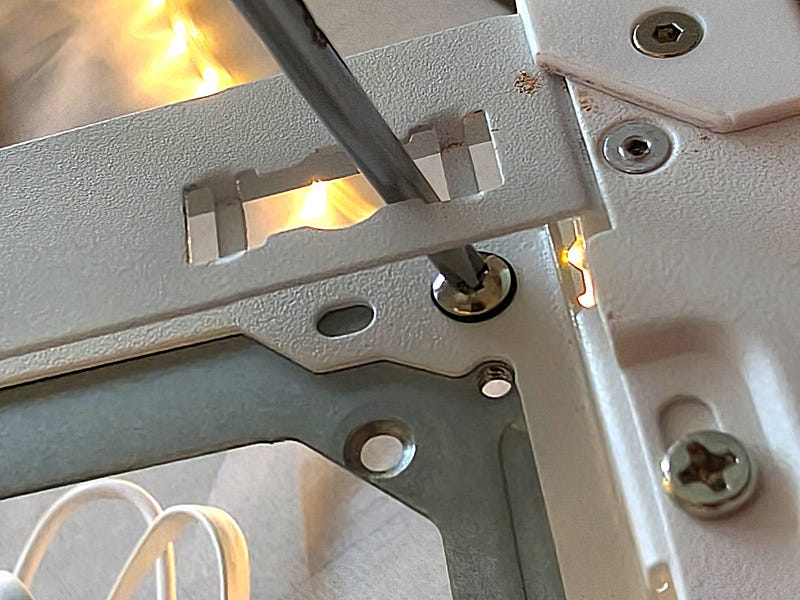
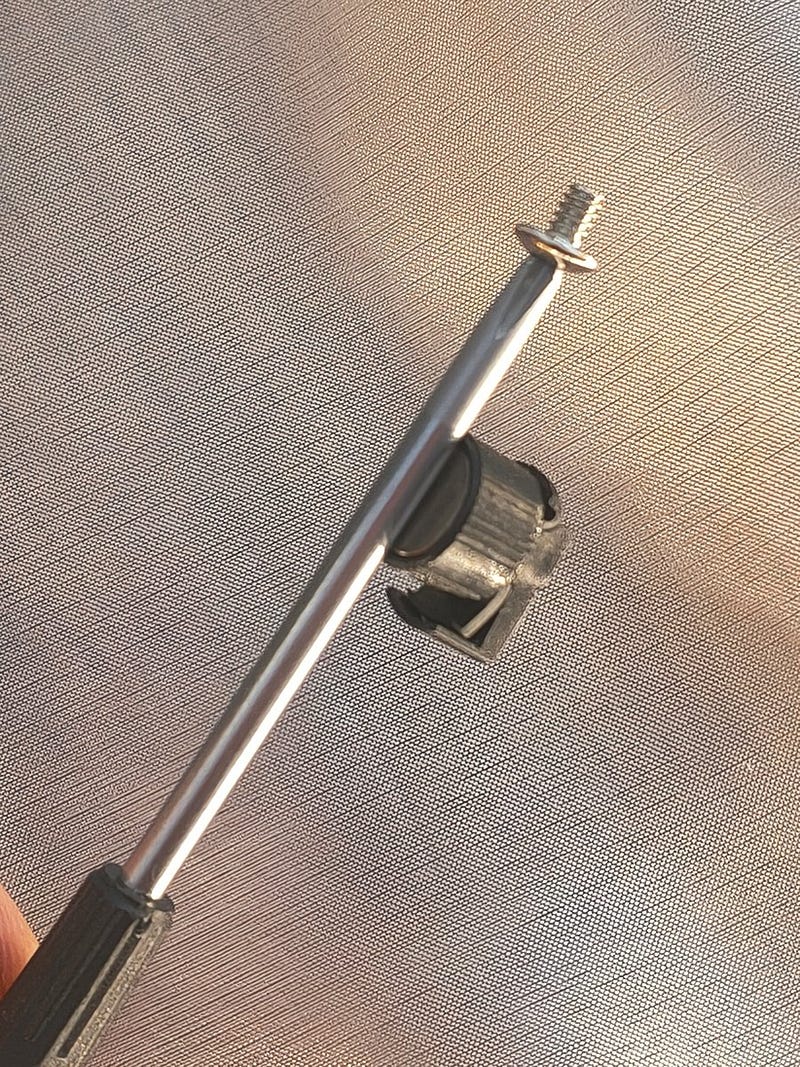
You can use this trick with magnet if you have small bolts to put in tight space:
I also forgot to put the mains cable in so it is easy to connect — don’t follow me exactly, there is a better way. I just unbolted one side of the white, perforated bracked which was in the way.
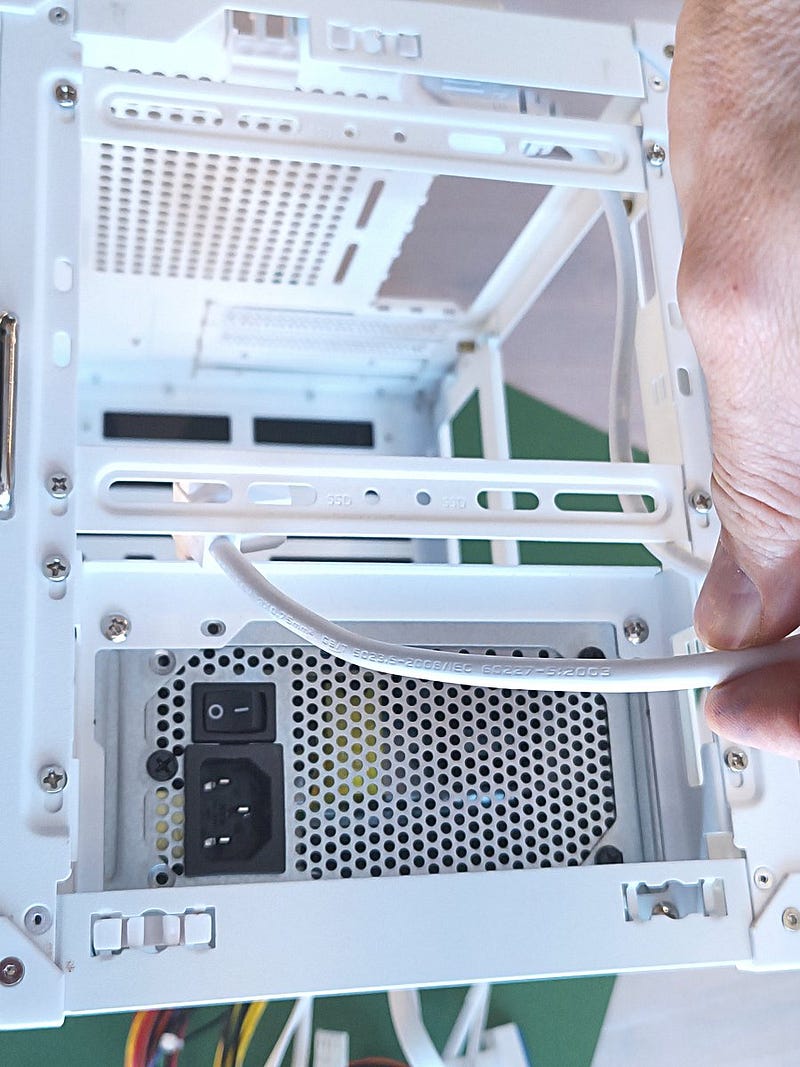
Easy-peasy — the PSU is whirring away. Hanging, I meant.
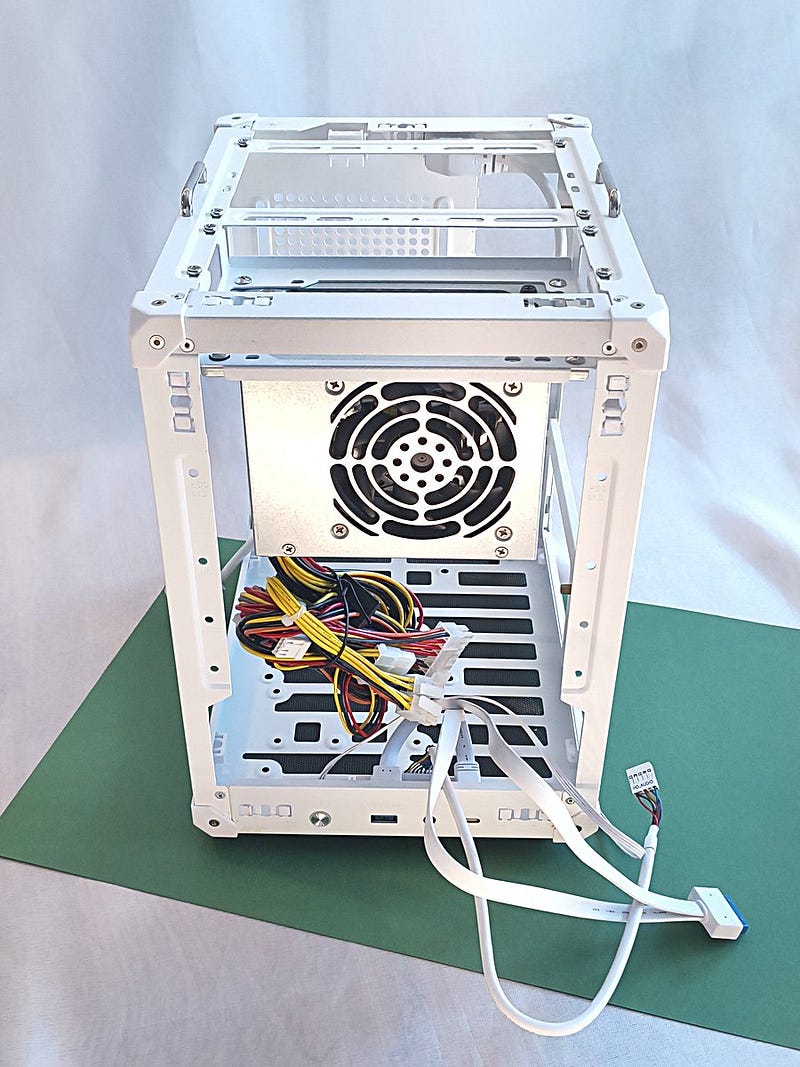
One thing which is not so well thought through in this casing is the air ducts to guide hot air or lack of it. The PSU effectively blends air inside the casing when the walls are closed (you can see that further in article). Hence I said earlier this kind of casing is not suitable for a big PSU and hot CPU/GPU units.
Let’s make the motherboard shine in this setup.
I confidently fixed it to the frame.
Good engineer never reads the manual, right?
We’ll come back to that in a moment.
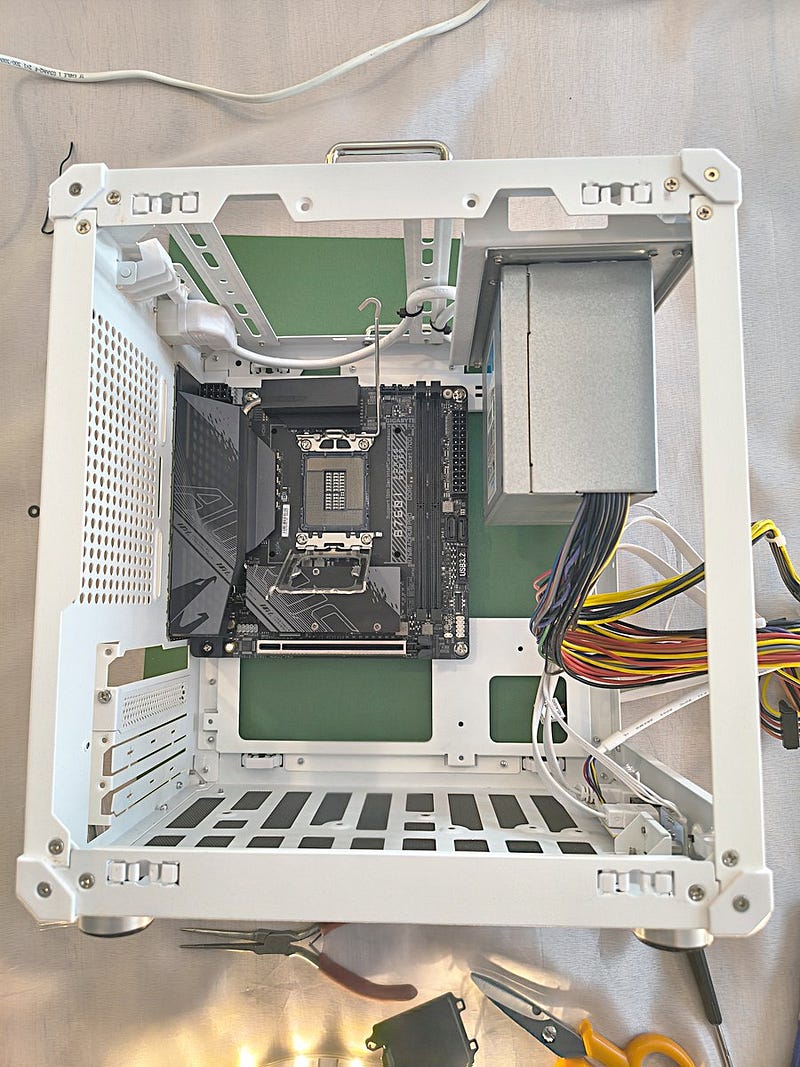
The Gigabyte B760I AORUS is in place, CPU goes into the LGA1700 slot.
I love patterns — perhaps it’s my ADHD brain that makes me do that.
CPUs have patterns, tiny cute resistors on the bottom and hundreds of contact pads.
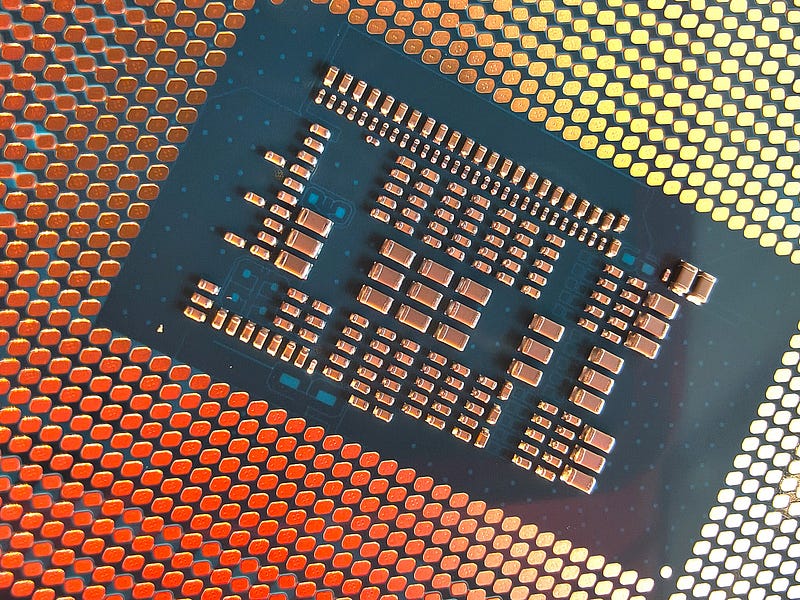
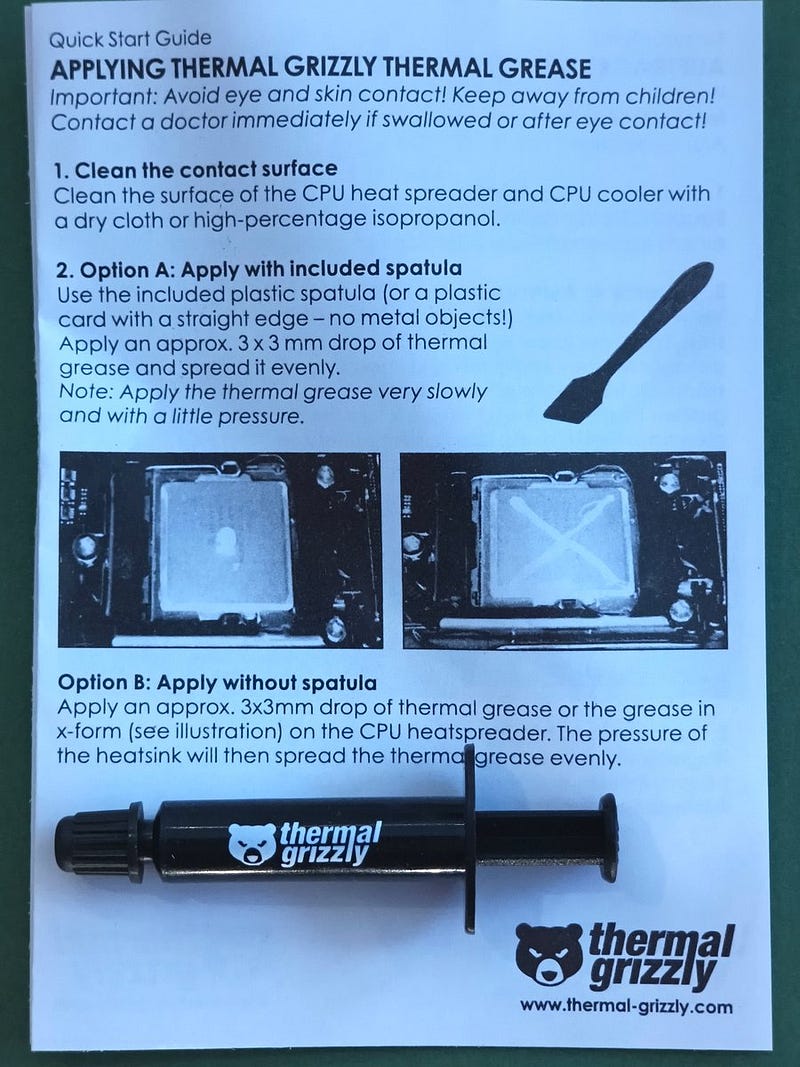
That love to patterns and my artistic soul made me to follow strictly(less) the instruction to apply thermal paste according to a pattern. This time I chose thermal paste over a thermal pad. It is easier to apply but is it really?
Instruction says:
Bear artist does:
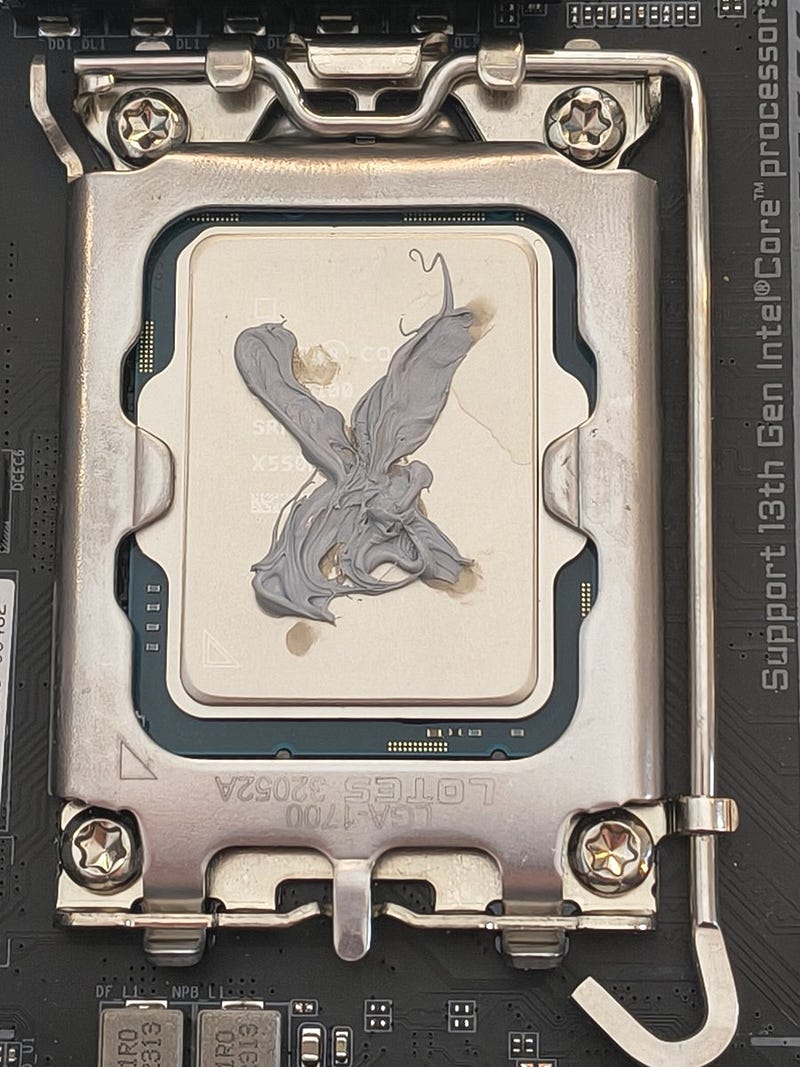
Andy Warhol and Picasso are ready to invite me to a little Absinthe party, but I just left one. I tried to get back to reality and make this application more normal.
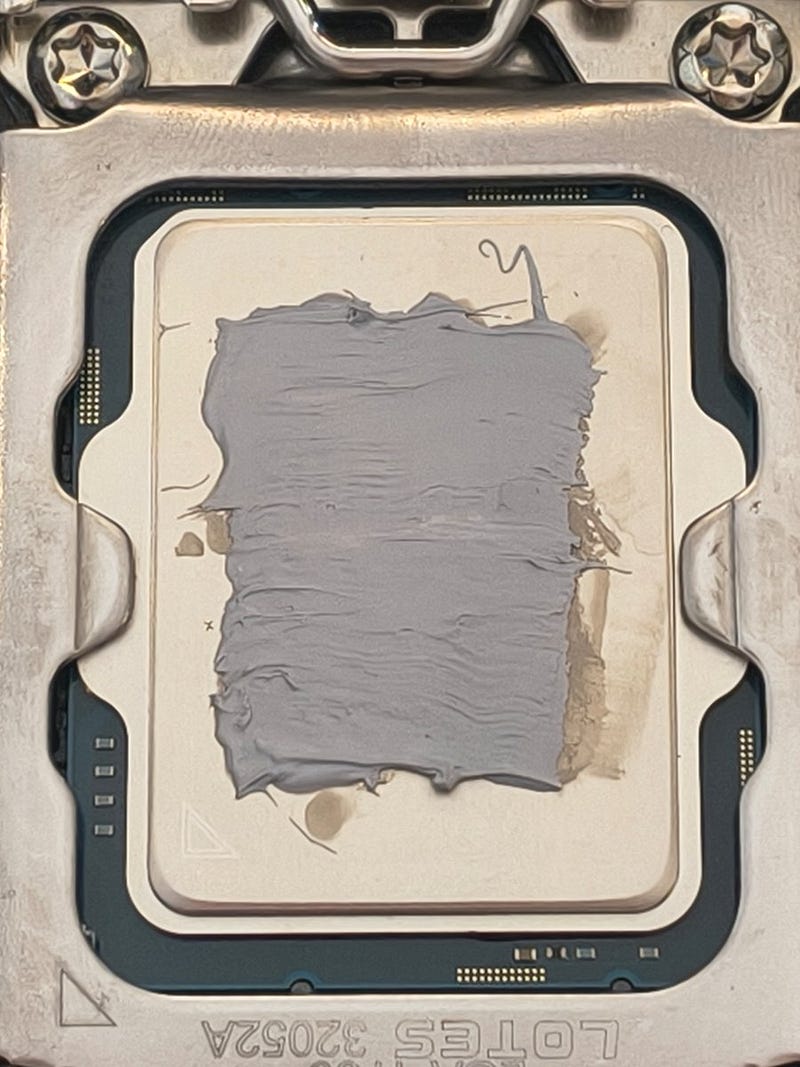
Next step — heatsink and fan on. Beware, rhinos.
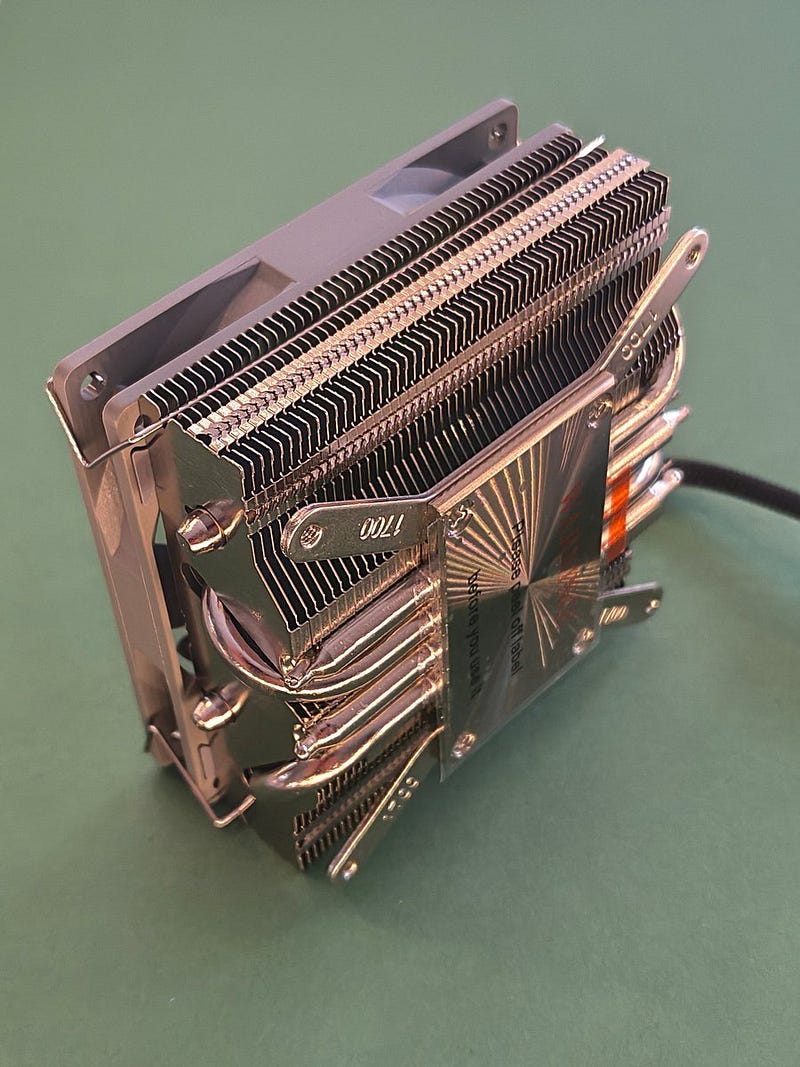
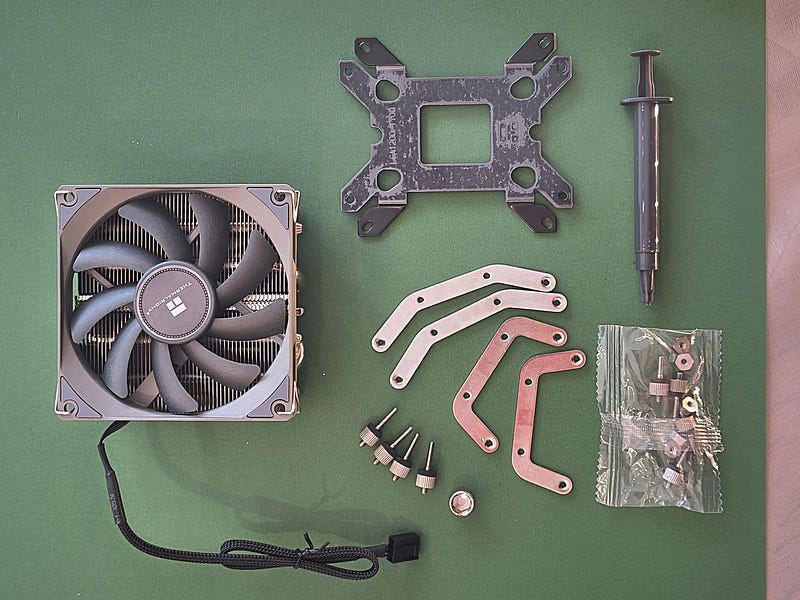
Looking at the pile of elements delivered by Thermalright, I was hesitating for a while — what exactly can I do with that?
Beat Mr. Eiffel and build something bigger?
There are multiple elements delivered and the manual is not really very expressive about assembling.
A true engineer treats the manual as a Bible — you eagerly read it after you put yourself in trouble because of your own idiocy. I decided to give it a try anyway.
After some fiddling with bolts and bracket I got it right finally and identified which bolts and nuts need to be used and how the support bracket is fixed properly.
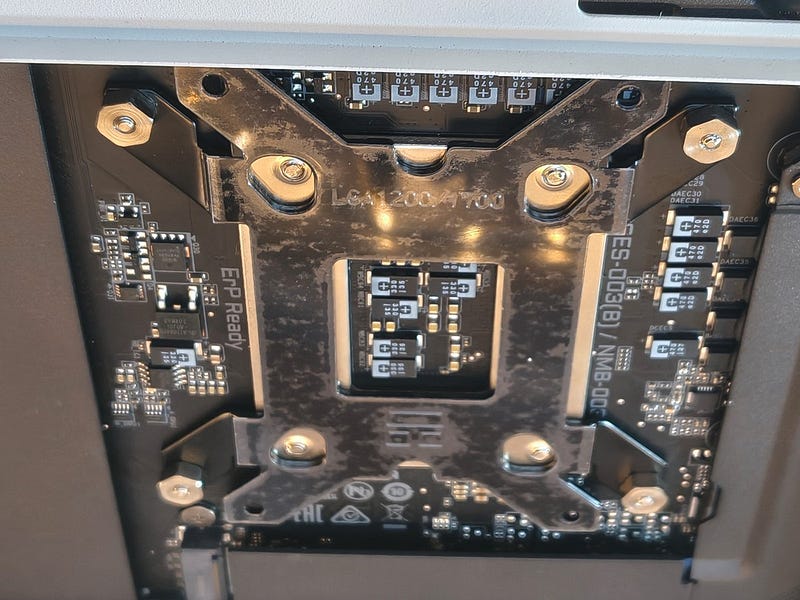
One note though — the thread sizes and nuts are really small here. Thermalright delivered a suitable adapter to tighten the nuts with a screwdriver. Don’t use the screwdriver, use the adapter and fingers. You don’t want to see that thread ripped off.
It will happen if your hands are like mine. I can rip off a thread on a 13mm hardened steel stud when I look in the wrong direction (after girls mainly) while tightening it with two fingers.
Do not over-tighten — let the spring force from the back plate do the job. It’s a capable back plate (1,5mm of steel) and you don’t need to juice that CPU, you only need good thermal contact.
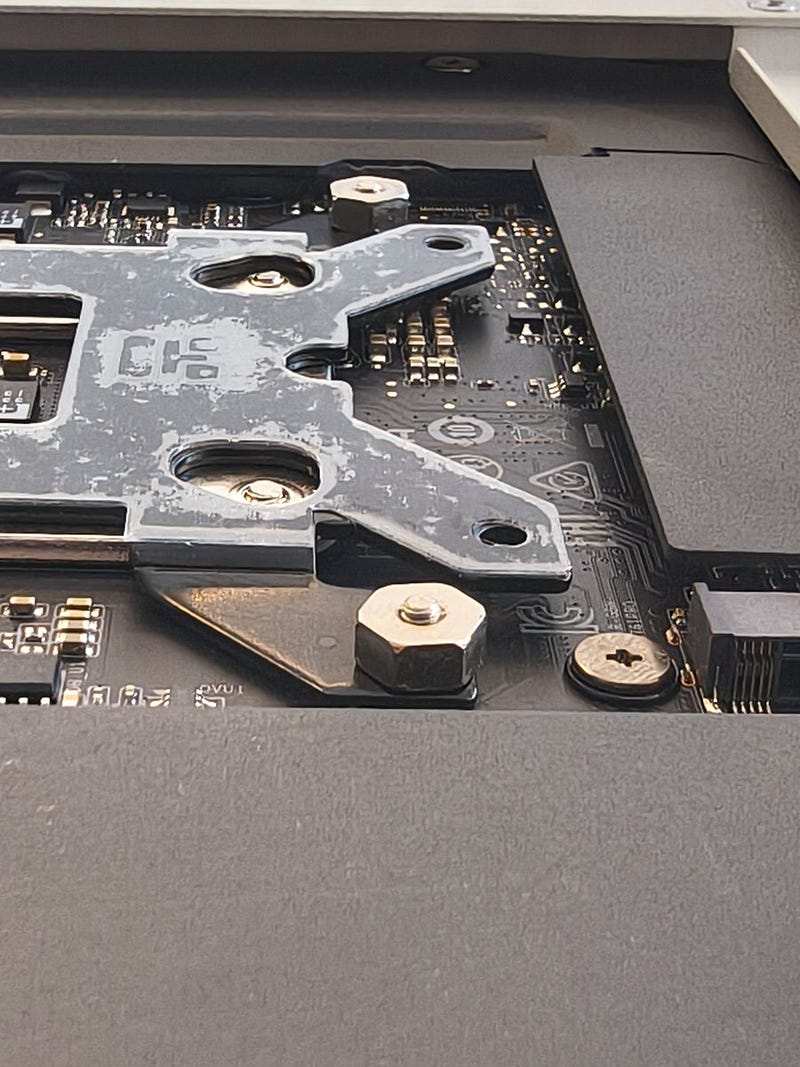
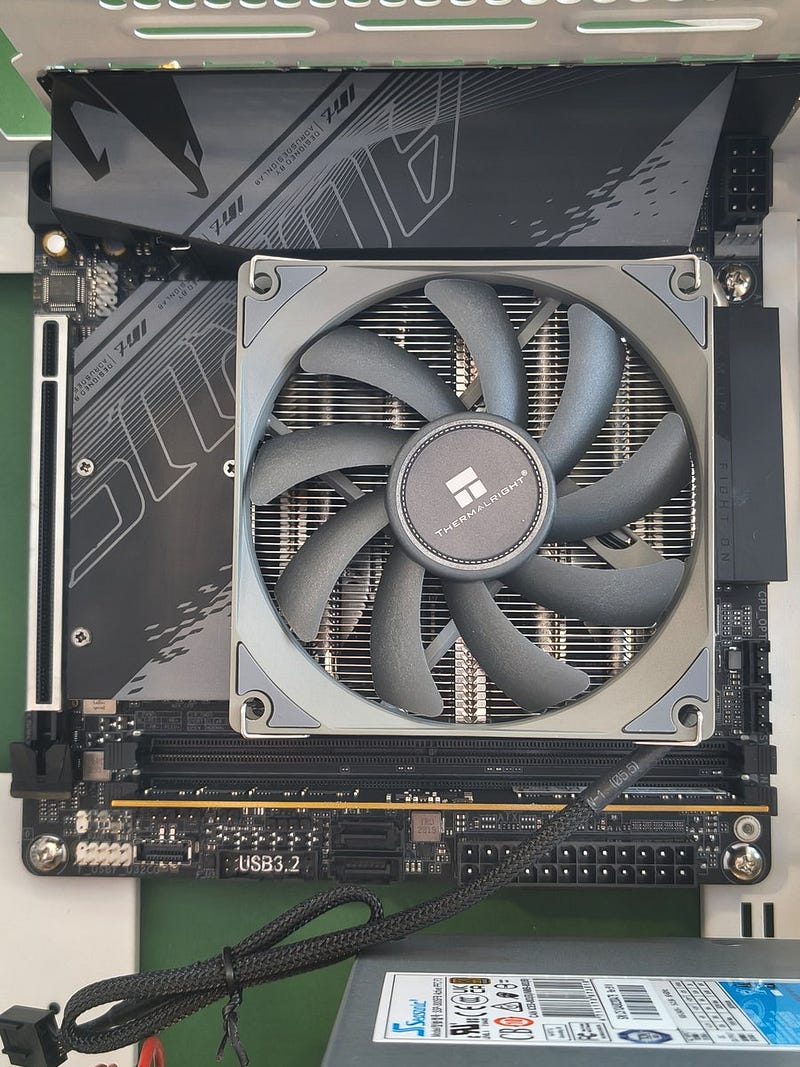
I told you about my luck earlier — now you can see how good it really is. This fan fits on that board as tight as a Bear in a diving suit — I know, I tried diving.
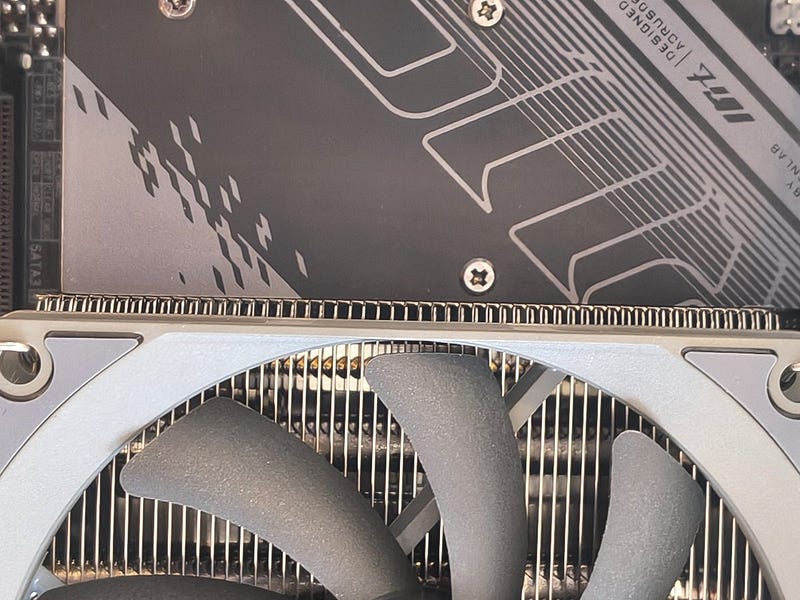
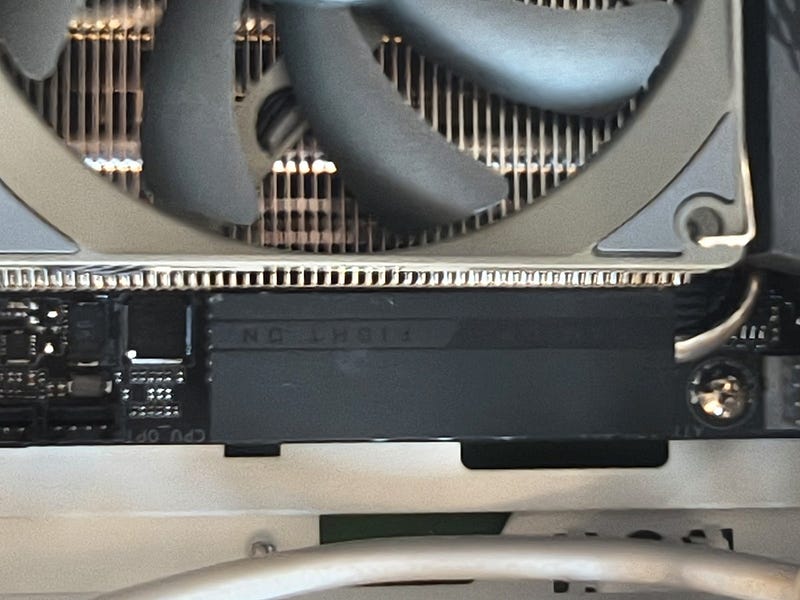
So now I shall place my single DDR5 RAM module. It was easy. Gigabyte, opposite to ASUS, didn’t reinvent the SDRAM slot (one side locks, brrr) — it just works. Thank you.
Then I put this fast ADATA LEGEND 900 NVMe drive inside.
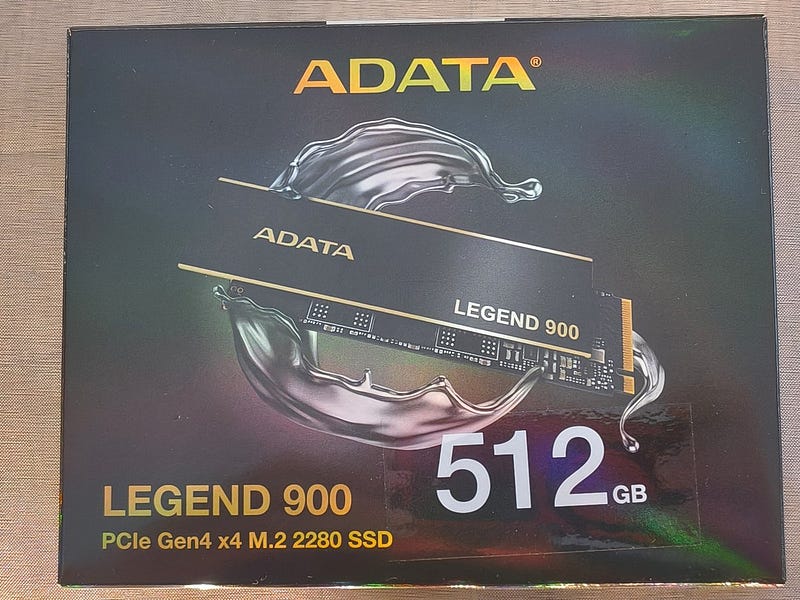
But first let’s stick the heatsink on it — it’s delivered as a separated piece.
Done, not completely straight as usual — recognisable “Bear Paw” signature.
Now, where is this NVMe slot?
Where did they hide it?
Manual shows no details.
Is that an NVMe slotless version?
No. There is an NVMe slot.
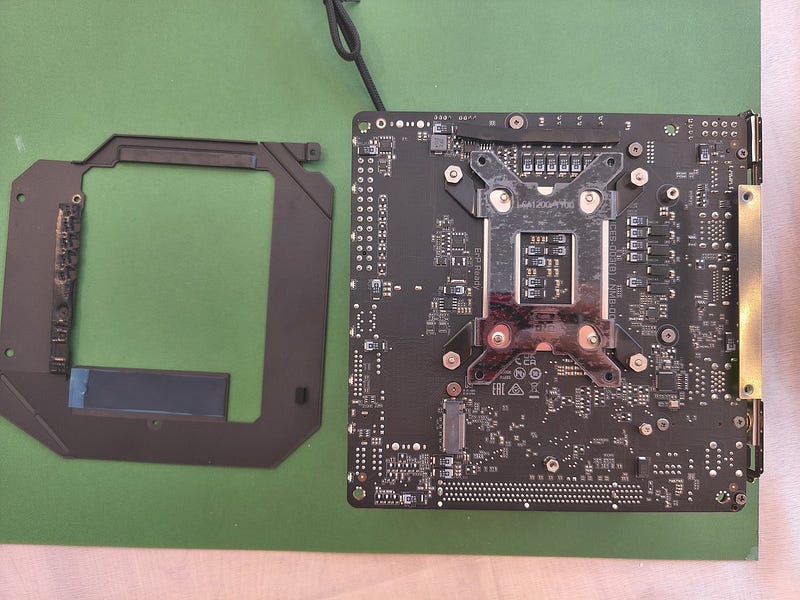
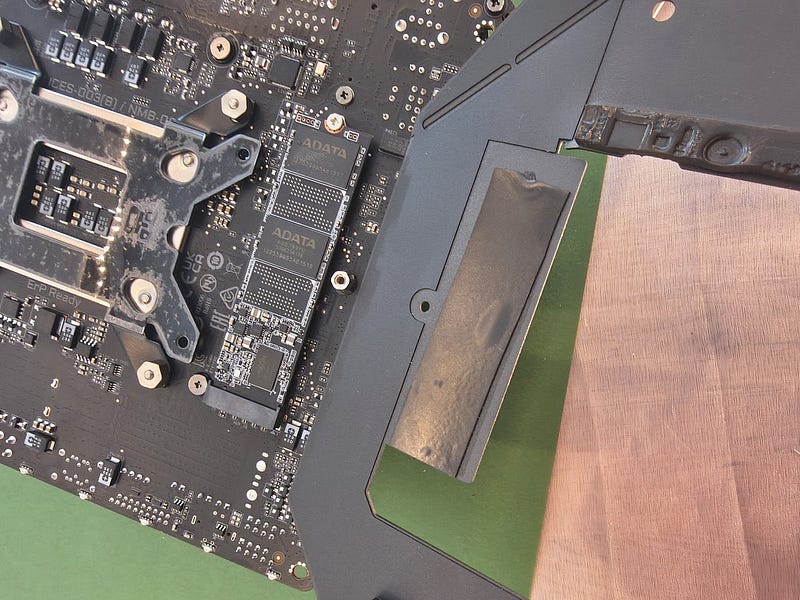
Exactly where placing it is most inconvenient — on the bottom of the motherboard, under the black anodised aluminium frame. You can see its edge on photo below — bottom right corner.
So to put the NVMe drive there the whole motherboard must be removed. Good, I was already bored finishing this build.
I pulled everything out — luckily it does not require removing the CPU and calling rhinos to help.
I got the aluminium frame off and put my ADATA NVMe disk there.
I’m so proud I did not forget to place the heatsink on the disk chips.
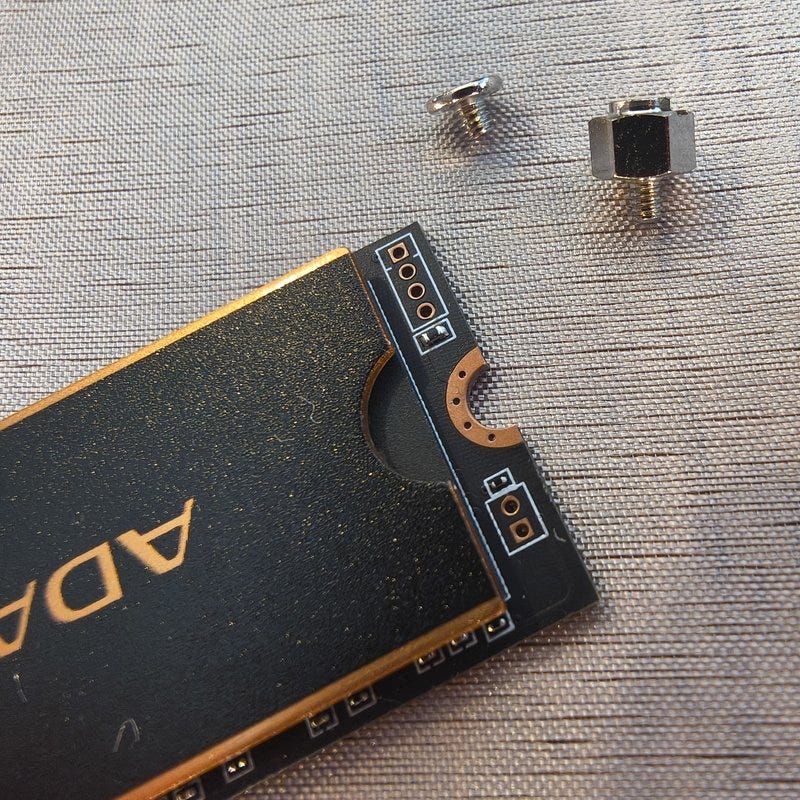
Now I just need to peel it back off, because Gigabyte made the whole frame to be a radiator for the NVMe.
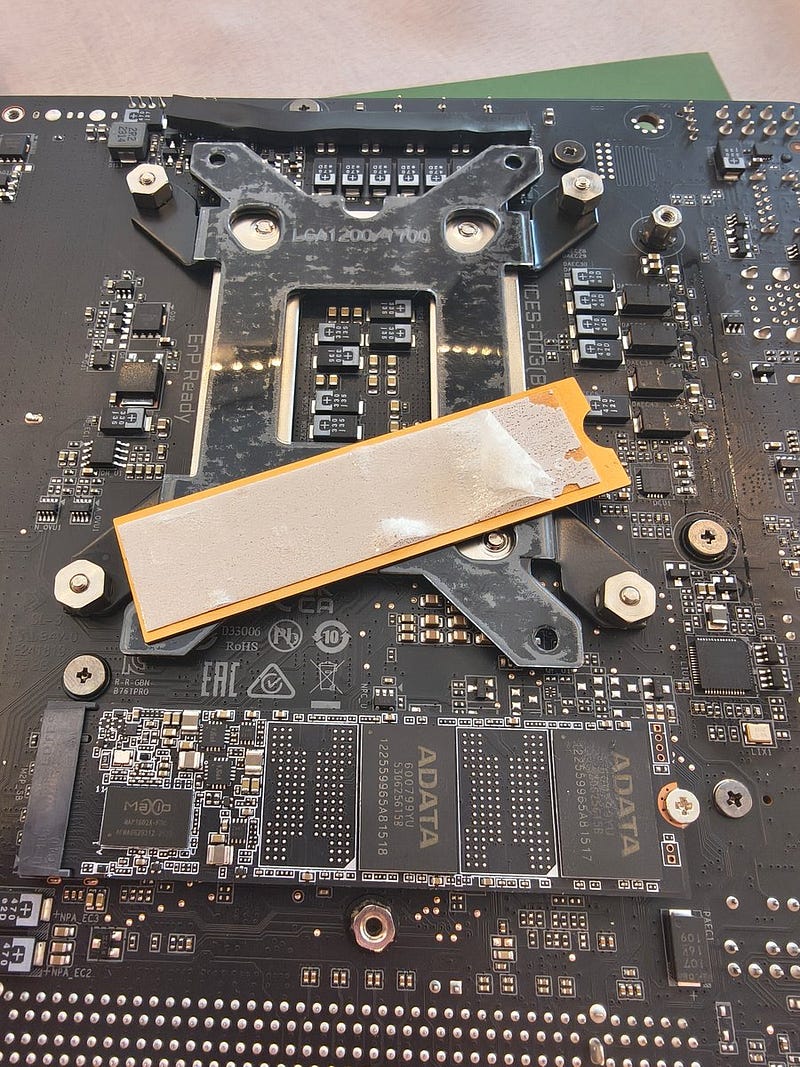
Shame on you, silly Bear — never rush with sticking something on top of something else. At least Gigabyte’s quality and technical planning in the case of that board is really top class, everything foreseen. This motherboard is not cheap - 200,- Euro gross.
So here we are, last steps — connecting cabling around the board. Remember to check if you placed the main motherboard power plug correctly, all the way in.
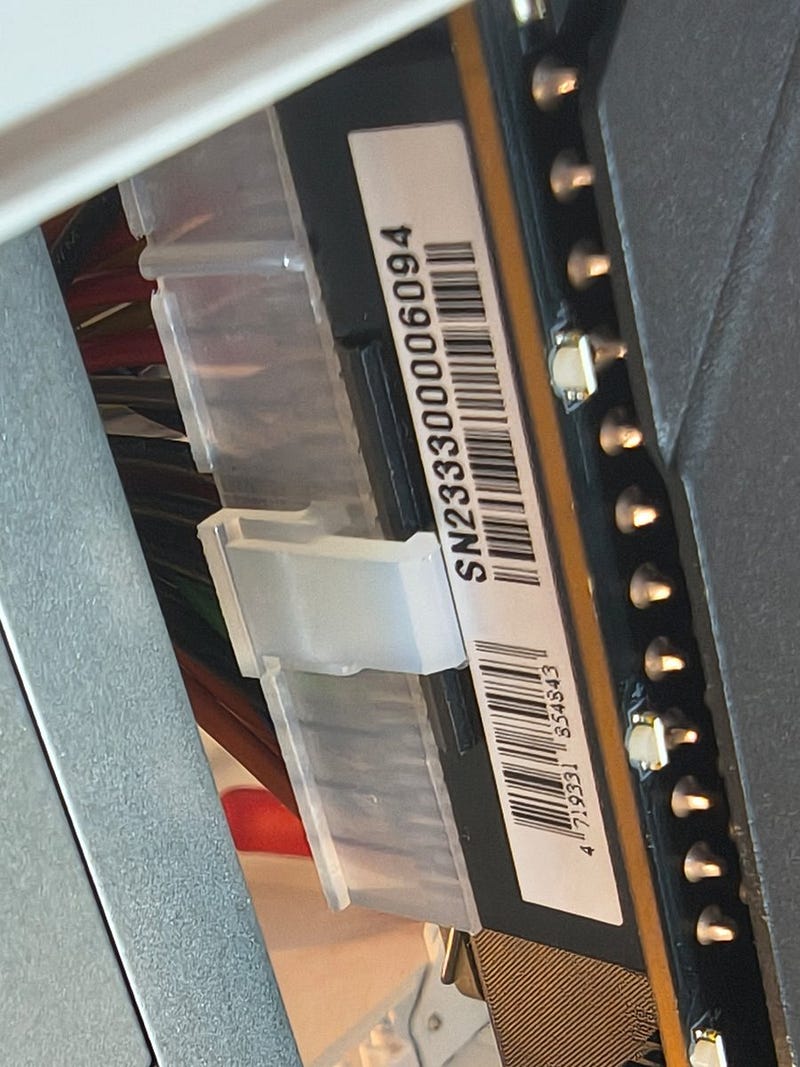
The latch must be engaged properly. The strength required to do that is adequate to call for rhino’s help. Ask me how I know about checking it twice. Or better — don’t.
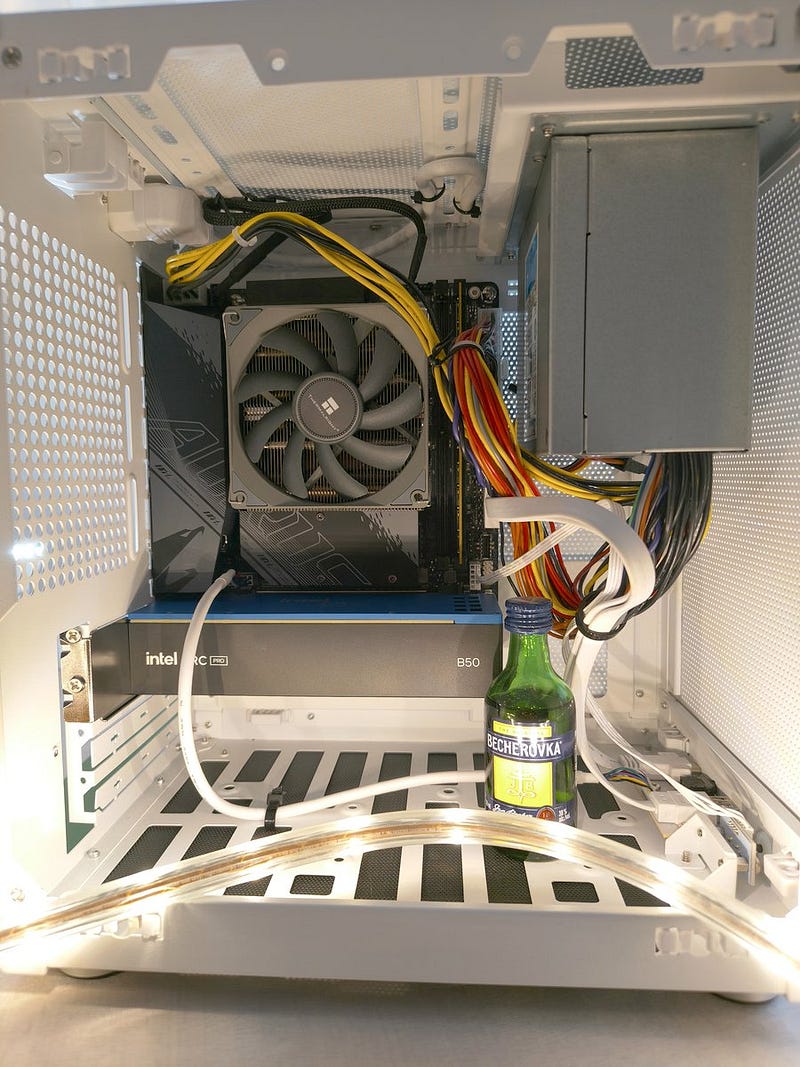
Last step to follow, add the tiny, noble resident of that digital house: Intel Arc Pro B50 16GB VRAM. Now it looks properly sized for the company and it’s workplace.
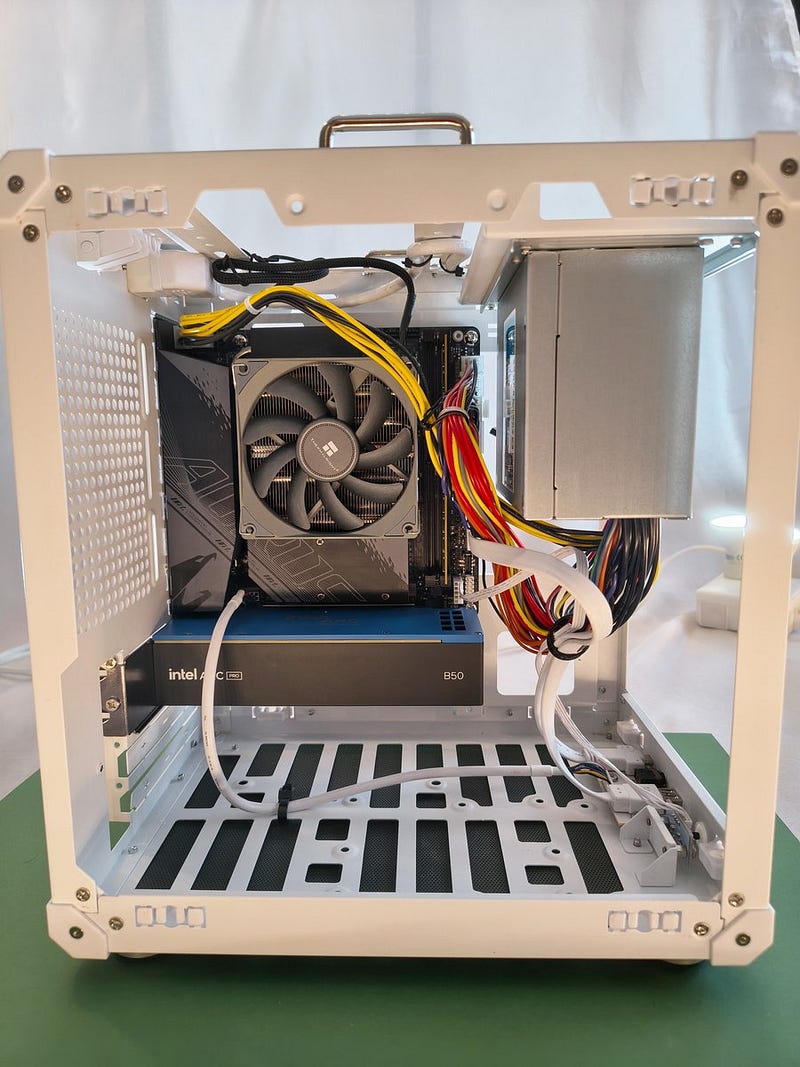
I got this CutieB as tidy inside as possible, I even separated audio cable from others just in case someone is curious enough to use front audio output. Nothing fancy really — I’m not an artist, as you might remember from my cat generating adventures.
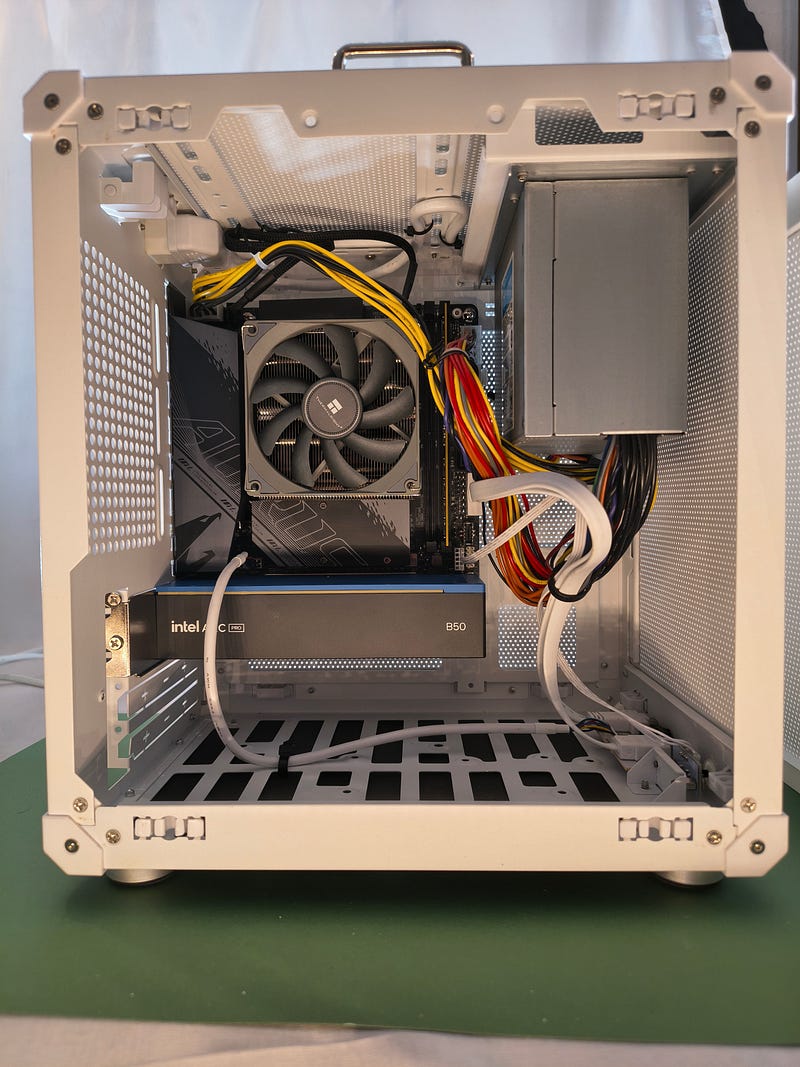
This photo clearly shows the PSU-air-blender problem as well. Intake from the right, exhaust to the top — swirl, Baby, swirl. The wall-mesh structure helps here a bit, but I wouldn’t dare to run anything here that needs to work under serious, long-term load, unless there is an additional fan pushing air into this enclosure — a thing to improve in that build, clearly.
So we are done, now party time. The proper opening of a newly built house/PC in Poland requires putting into operation some disco lights and liquid celebration — alcohol free, of course, in case you ask.
Now a bit of testing alongside BBU — Bigger Brother Undercover.
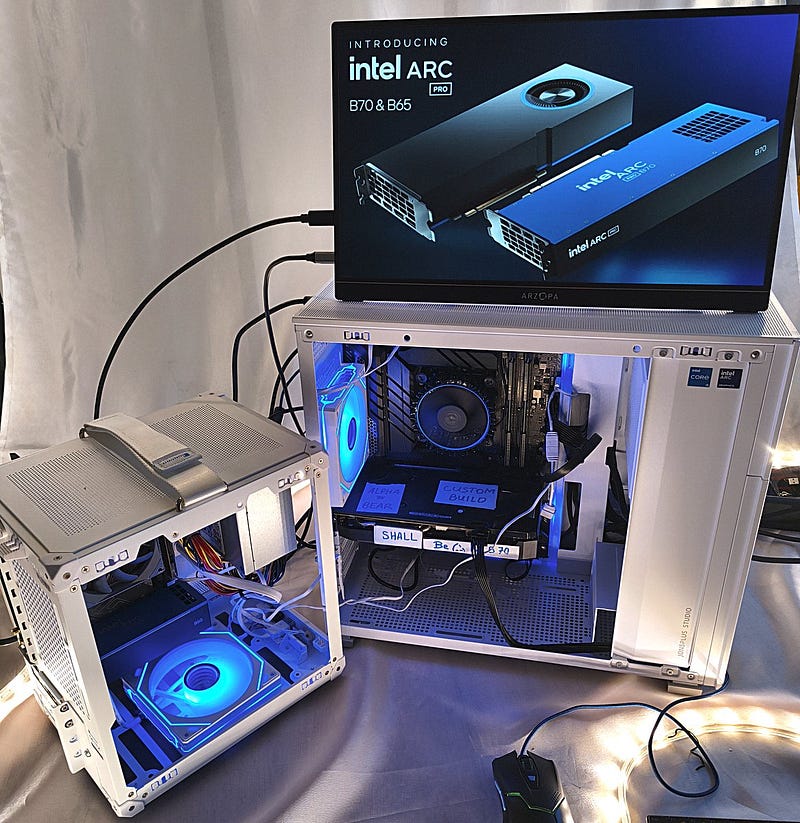
You shall expect some continuation of this endeavour….
Disclaimer: All opinions, thermal paste art, clumsy paws, light color choices and questionable purchasing decisions described here are exclusively ol’ Bear’s own. Intel makes good chips. Bear makes trouble and solves some of it for himself.
These are separate and independent activities.
Originally published on Medium, 7 June 2026.